Start to finish
Walkthroughs
Build something real, step by step. From your first fig to exporting to a game engine or 3D printer.
Type
Difficulty
No walkthroughs match those filters yet.
-
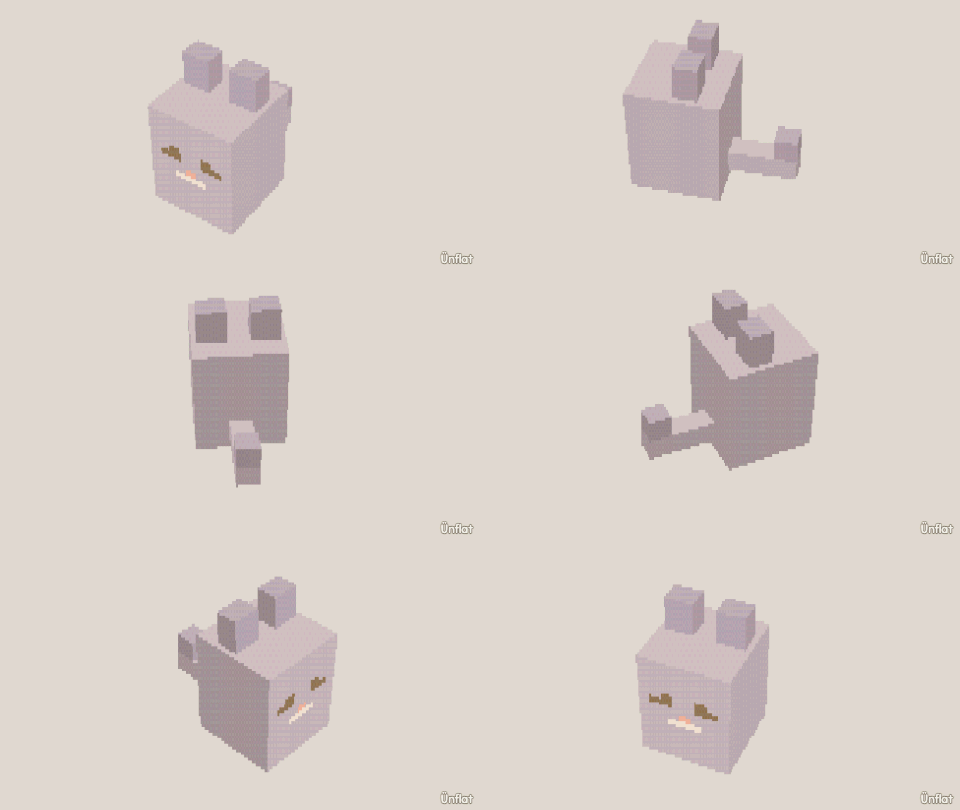 6 steps Build a cat Mirror on, one sphere, ears and a tail pulled out. Comfortable
 -
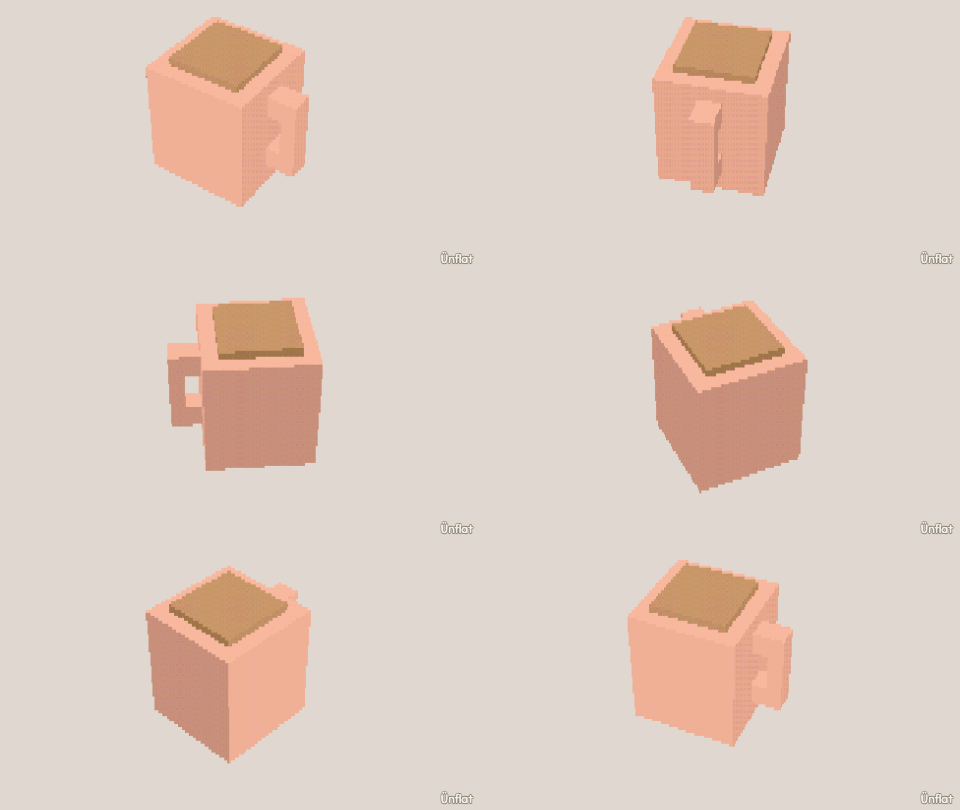 3 steps Build a mug One cylinder and two presses of Pull out make a handle on a curved wall. First-time
 -
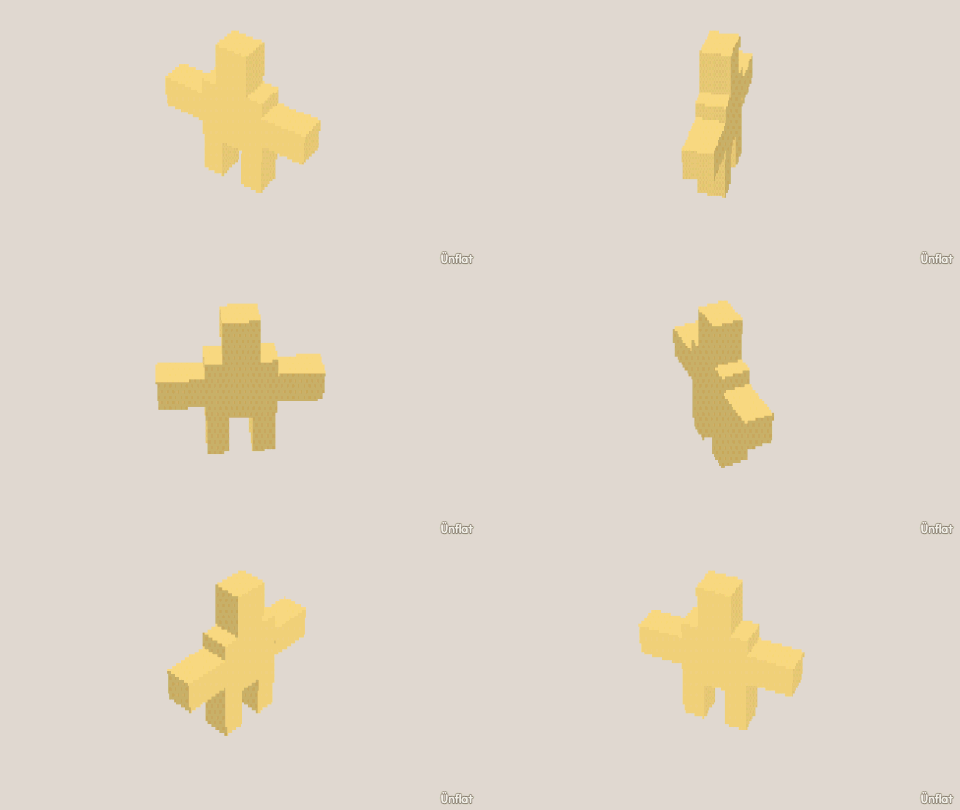 4 steps Build a star Pull five arms out of a sphere and Pinch every tip to a point. Comfortable
 -
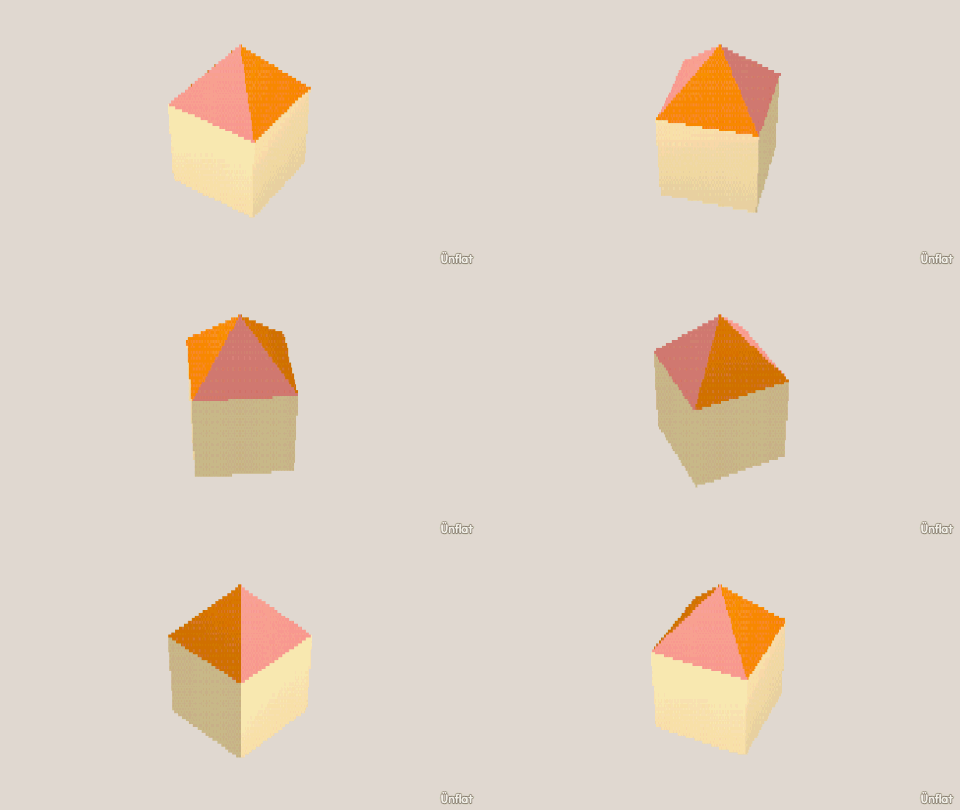 4 steps Build a house A cube, a pyramid roof, and a porch pulled out of the front wall. First-time
 -
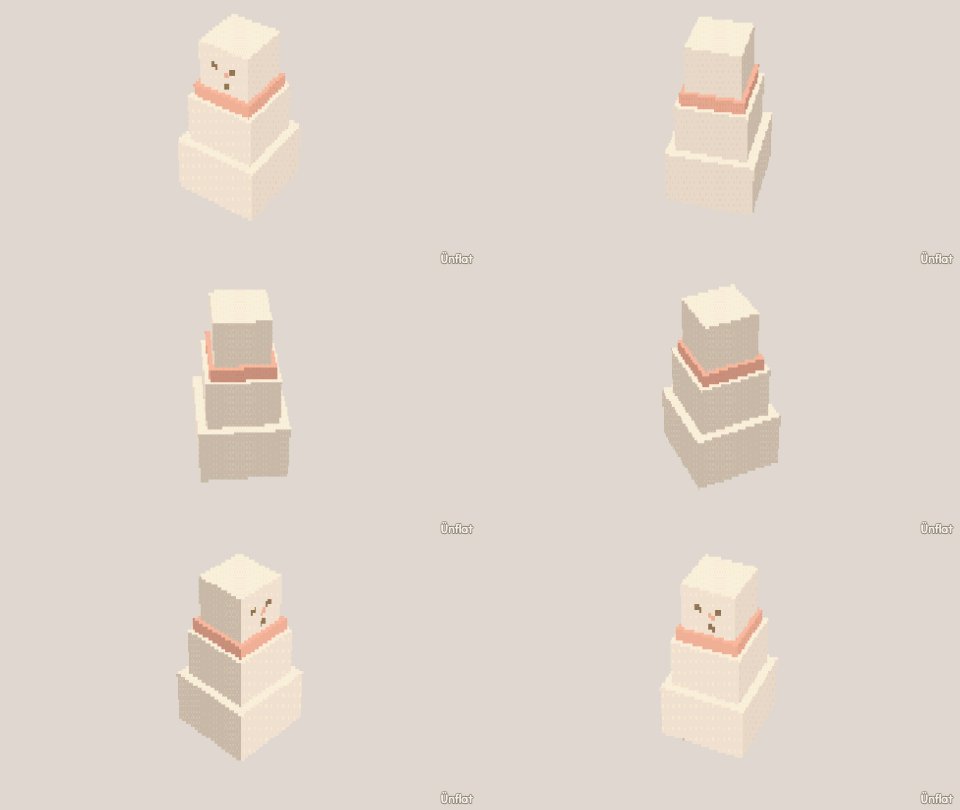 4 steps Build a snowman Stack three spheres, widen the base, and paint a face on the head. First-time
 -
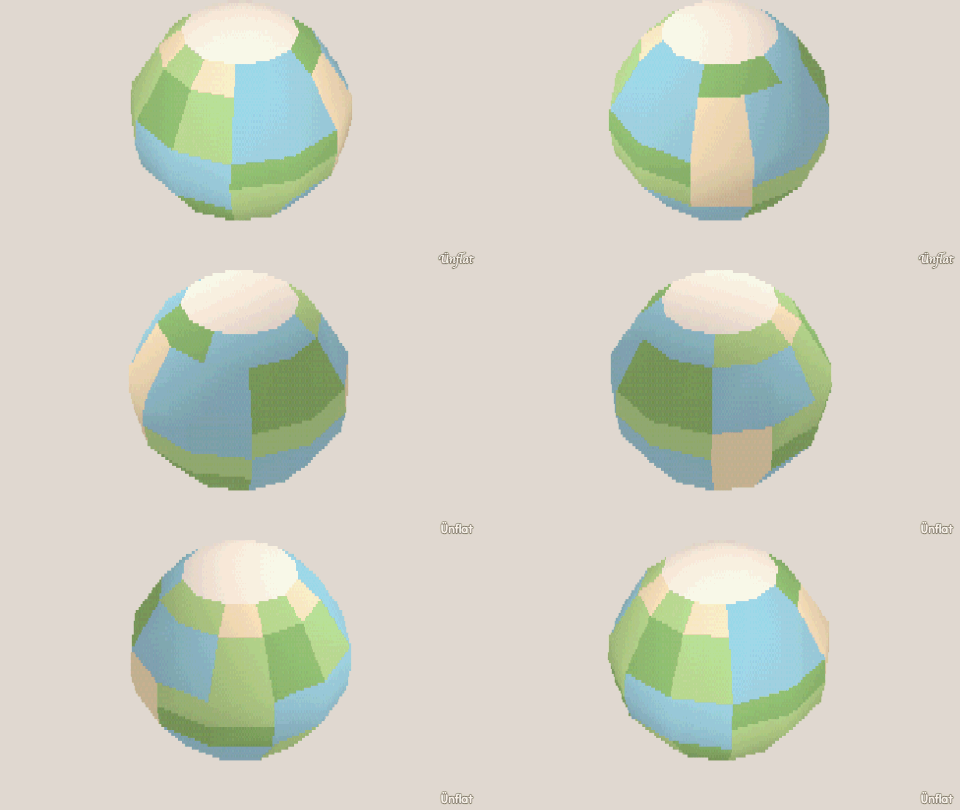 5 steps A little planet A world on one sphere. Pull out hills, push in seas, and fill in biomes. Comfortable
 -
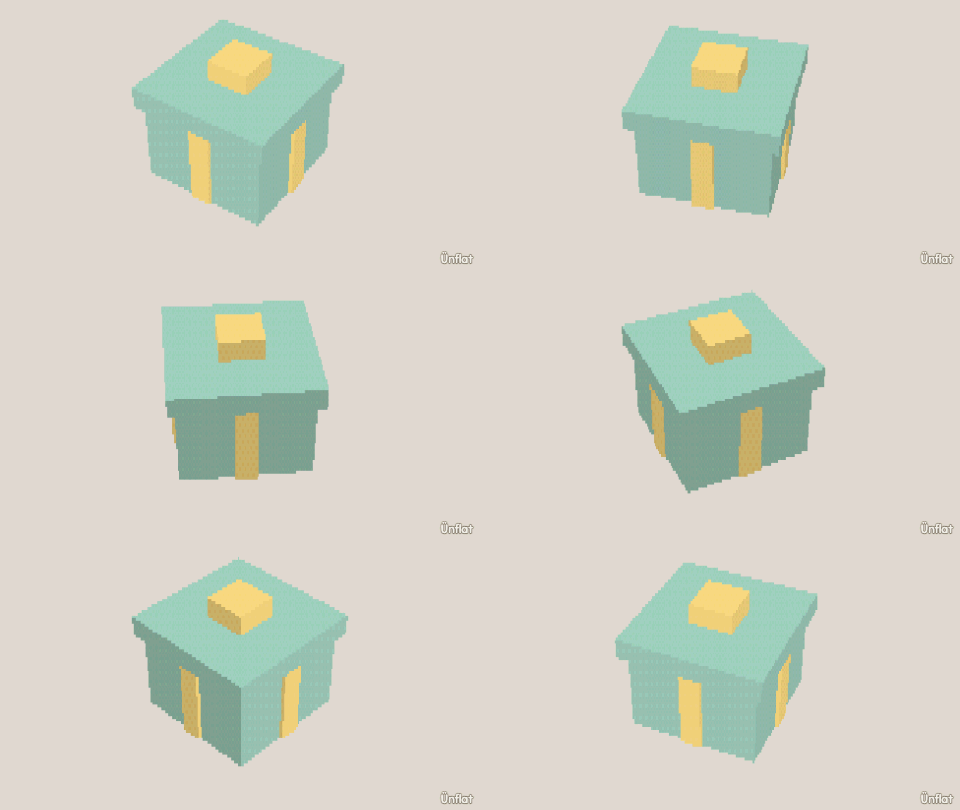 4 steps Build a gift box A wrapped present with a raised ribbon, built with Pull out and Draw a shape. Comfortable
 -
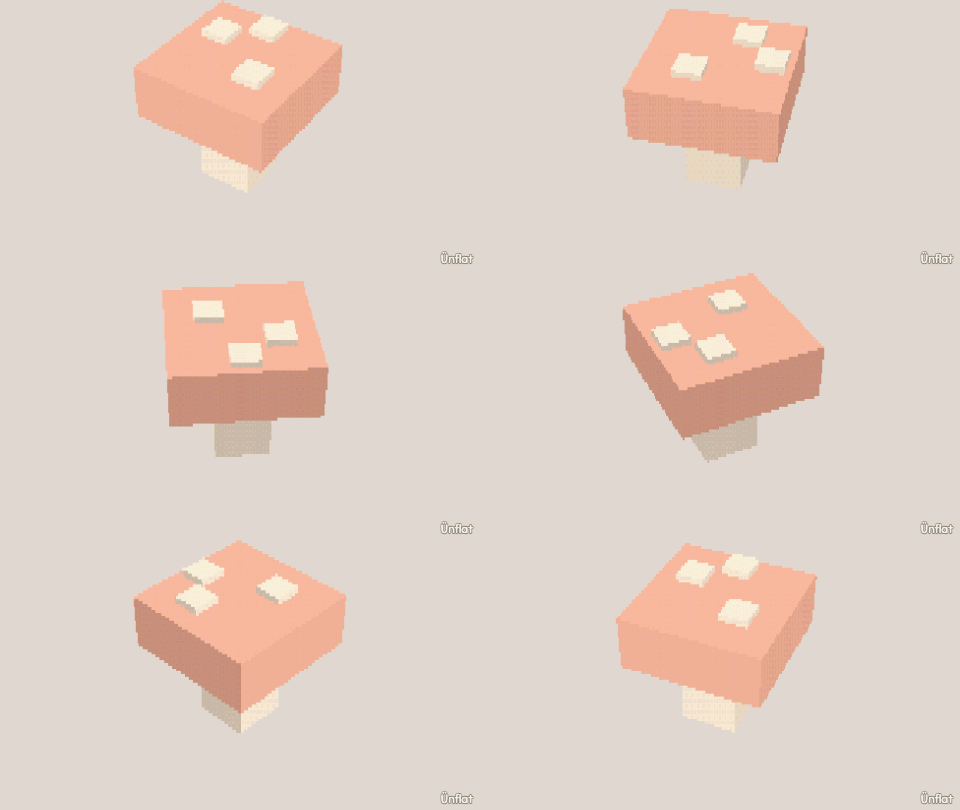 3 steps Build a mushroom A stem, a cap, a brim shaped by rings, and white dots on top. Comfortable
 -
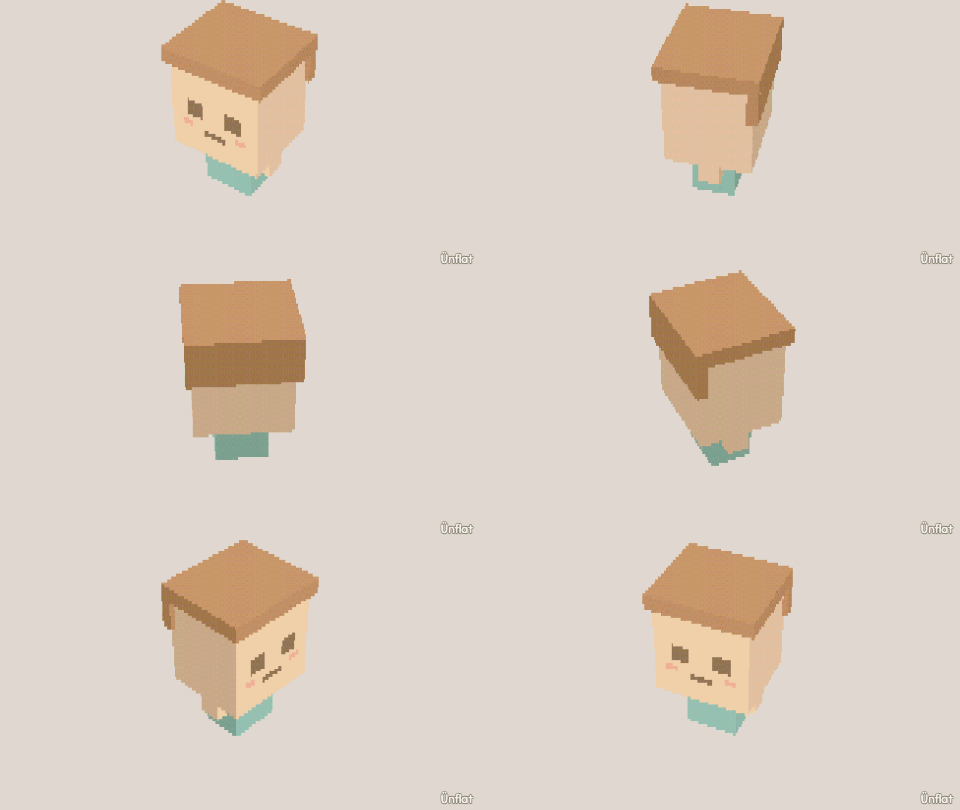 6 steps Build a chibi A small character built from one large sphere. Ambitious
 -
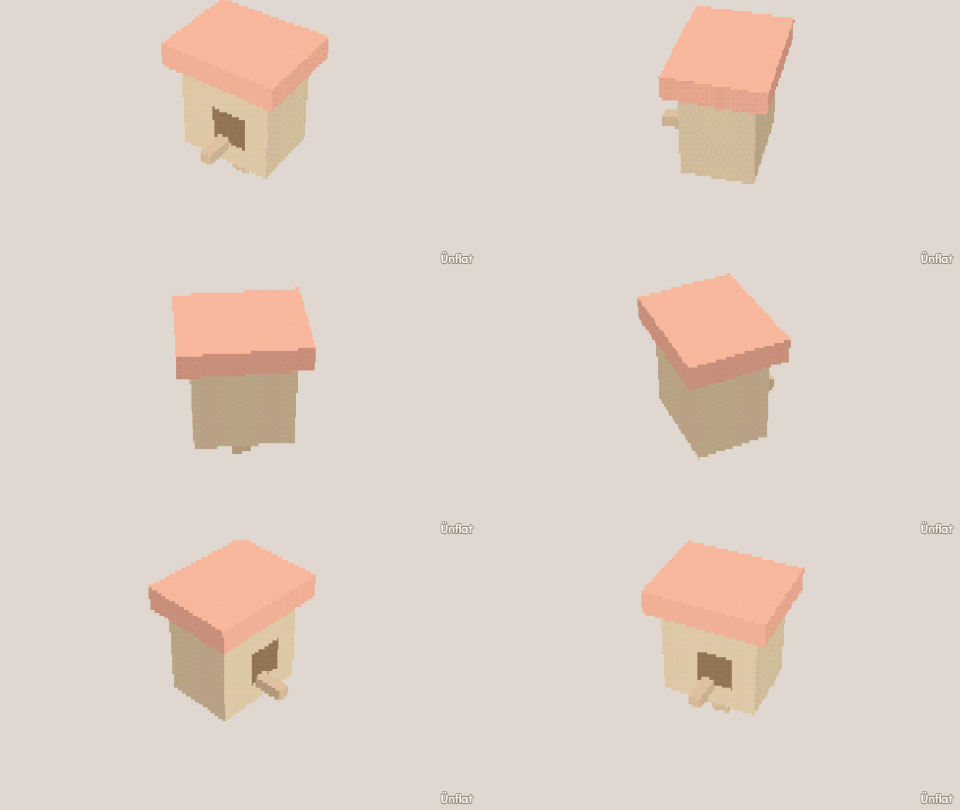 4 steps Build a birdhouse A cube, a roof, a perch, and a round doorway cut with Push in › Draw a shape. Comfortable
 -
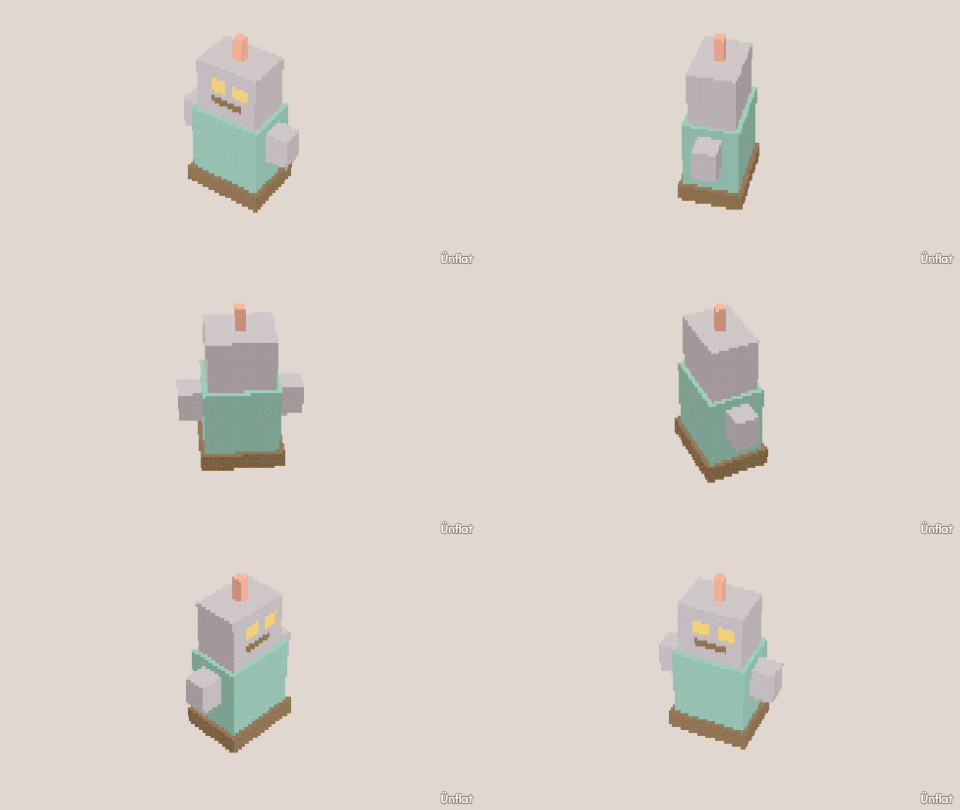 3 steps Build a robot Boxes, cylinders, and a quarter turn, using Move, Size, and Turn. Comfortable
 -
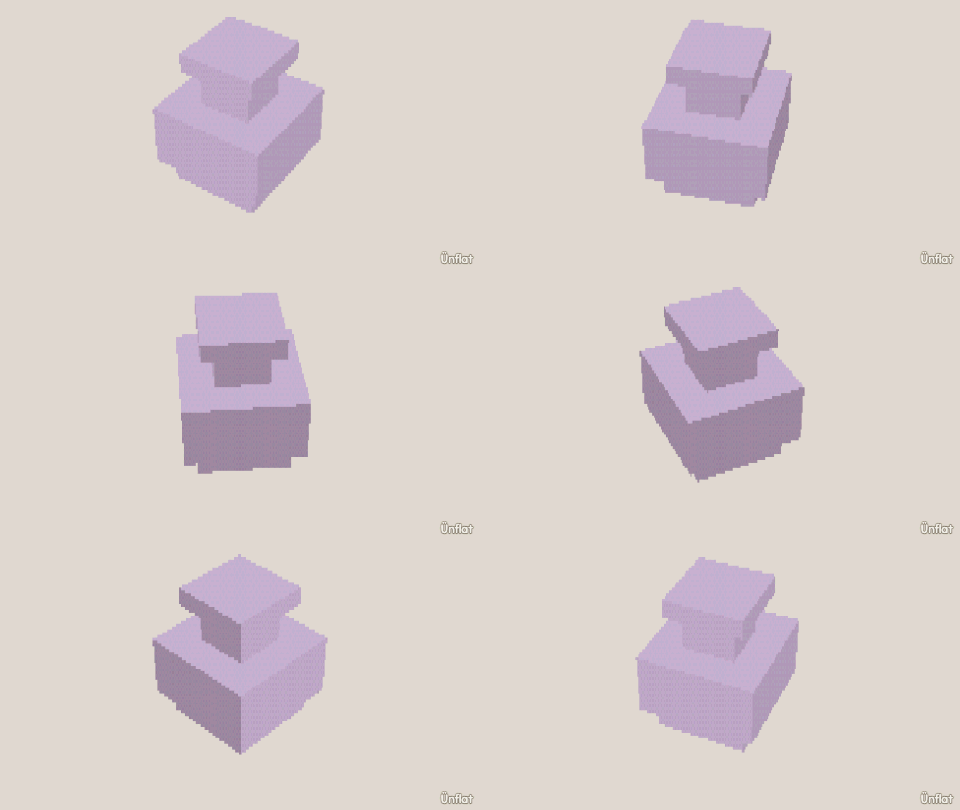 5 steps Build a vase Narrow the neck, widen the middle, and narrow the base with rings. First-time
 -
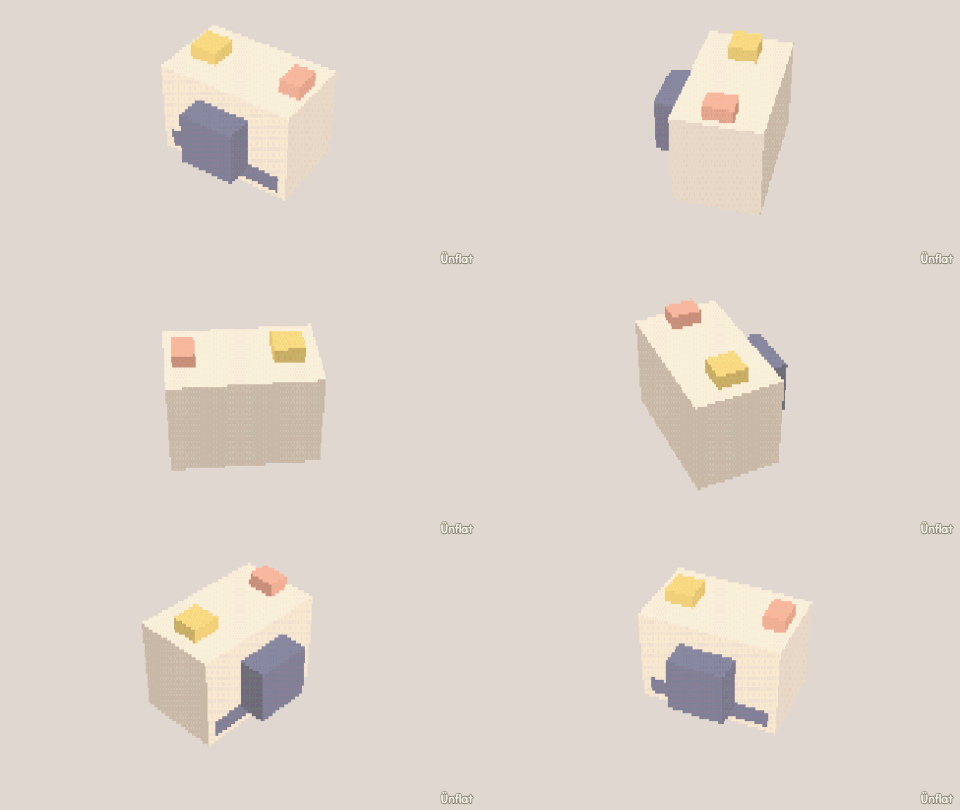 6 steps Build an instant camera A camera body with a recessed lens, a viewfinder, and a tilted front. Comfortable
 -
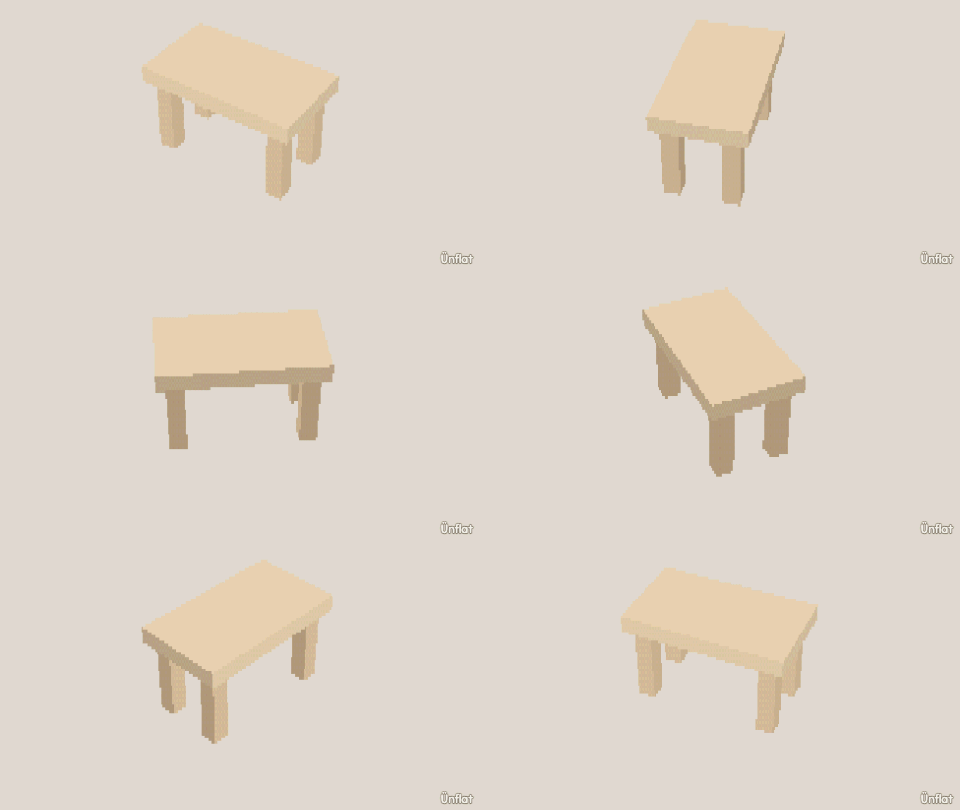 3 steps Build a table Drop four legs, then a top that rests on them. First-time
 -
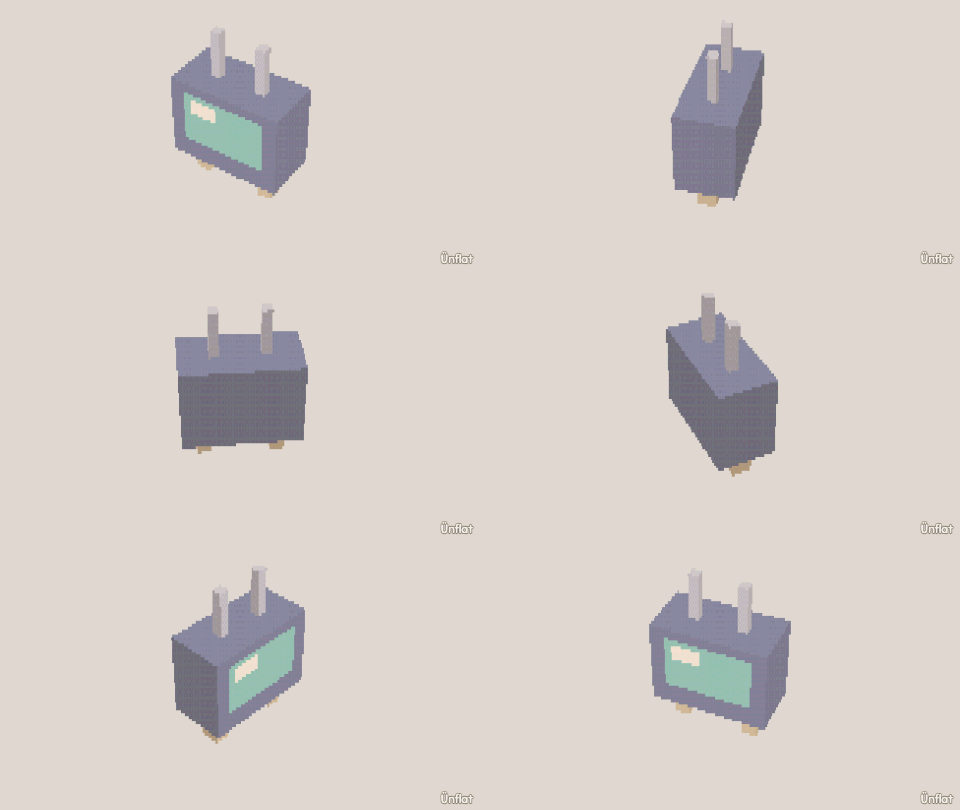 3 steps Build a TV One press of Push in turns a box's front into a recessed screen. First-time
 -
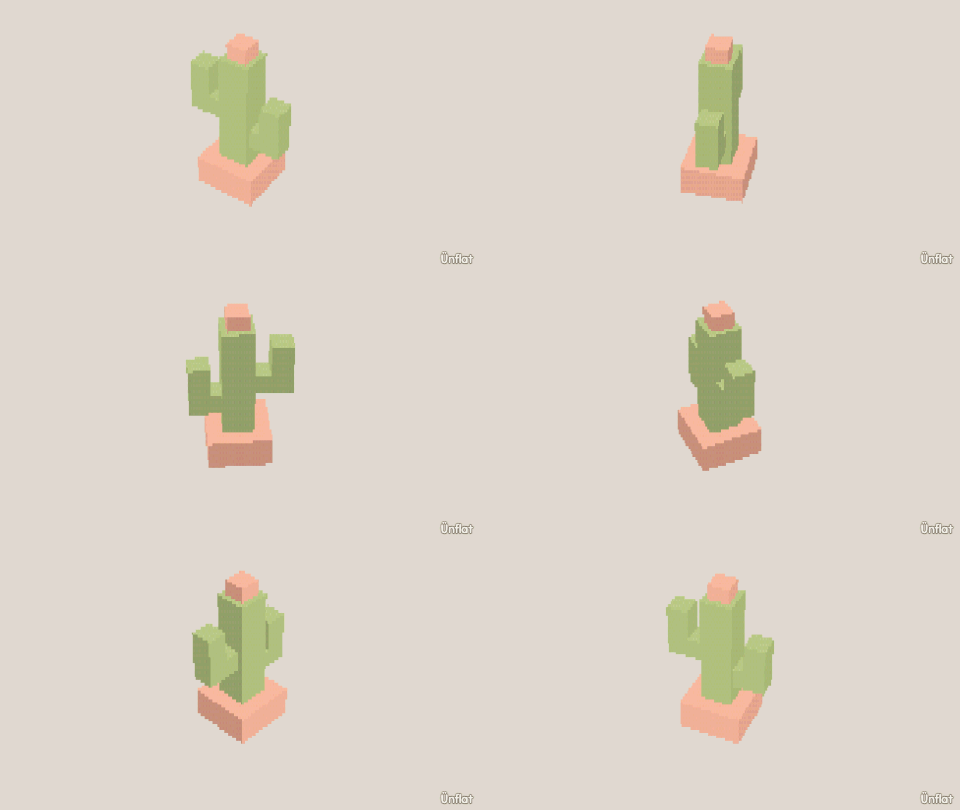 6 steps Build a cactus A potted cactus. Place with Overlap, widen a ring, pull out an arm that turns up. Comfortable
 -
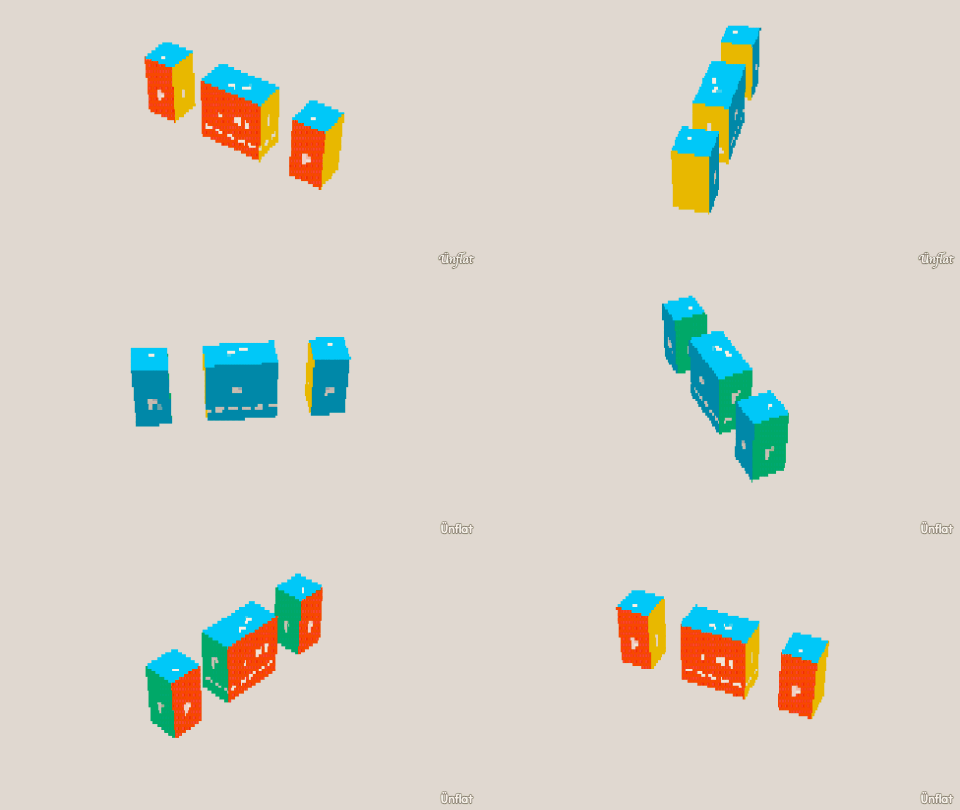 4 steps Make a Roblox shirt Select a clothing blank, paint it, and export a Roblox PNG. First-time
 - 4 steps Bring your fig into Unreal Engine Export a .glb from Ünflat, import it into Unreal, and drop it in a level. Comfortable
-
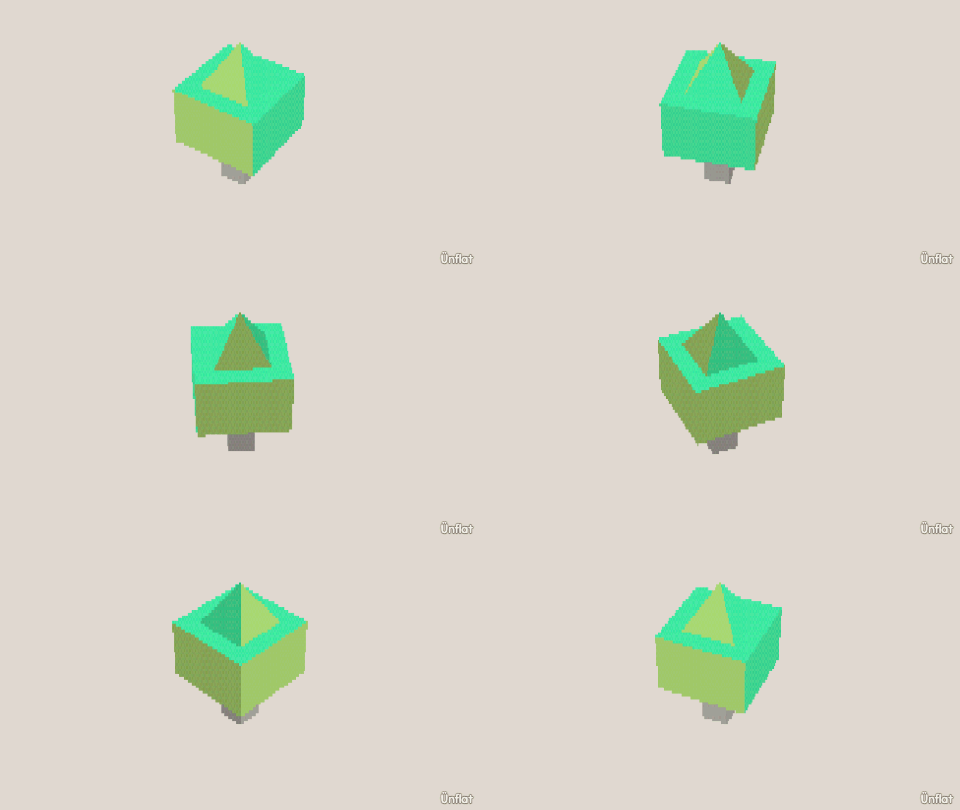 4 steps Build a tree A trunk, a crown sunk on with Overlap, and a canopy shaped by rings. Comfortable
 -
 4 steps Roblox: see it on an avatar (free) Put your exported shirt on a test body in Roblox Studio. No fees, no store uploads. Comfortable
 - 4 steps Roblox: make a hat Build any fig, export it as a .lowpoly accessory, and view it on an avatar in Studio. Comfortable
- 4 steps Roblox: a creature for your obby Make a fig, give it poses and a move, and export a prop that moves on a key press. Comfortable
- 4 steps Roblox: put a building in your game Draw a building in a scene, send it to Roblox Studio at walking scale, walk in. Free. Comfortable
- 4 steps 3D print your fig Export a fig as an .stl file, slice it, and print it. Comfortable
-
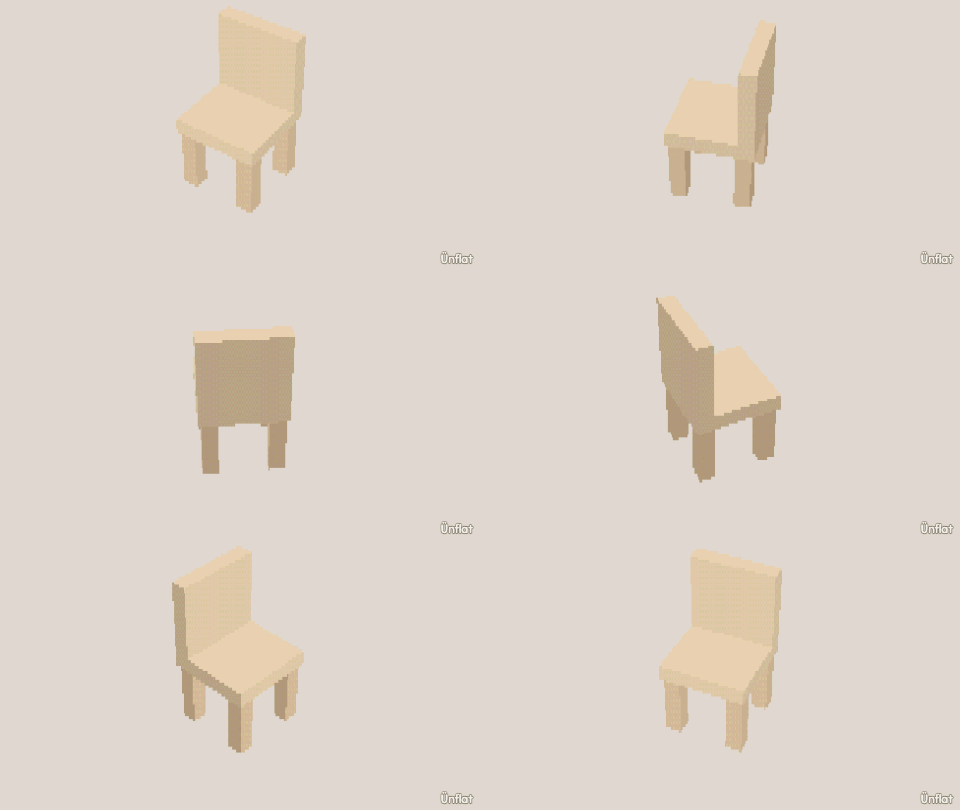 4 steps Build a chair The table build plus a back rest raised with Pull out › Draw a shape. Comfortable
 - 5 steps Shoot your first clip Frame a shot, press Cut!, move things, press it again. Four cuts make a film. First-time
-
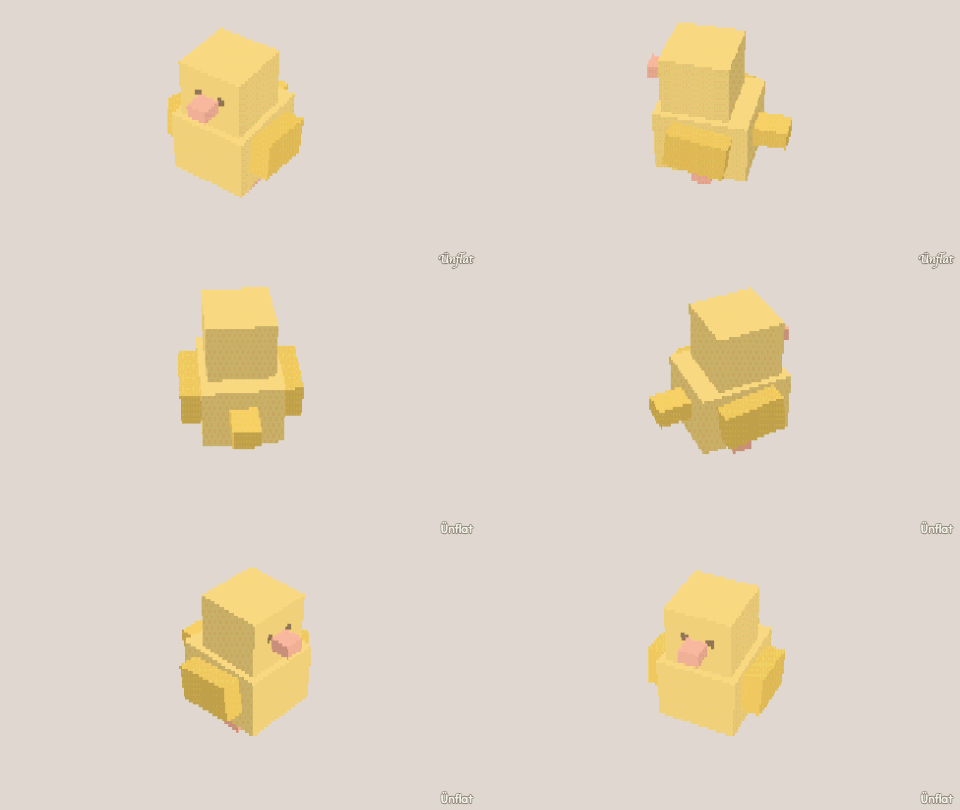 6 steps Build a bird Two spheres, a pointed beak, mirrored wings, and a tail tilted up. Ambitious
 -
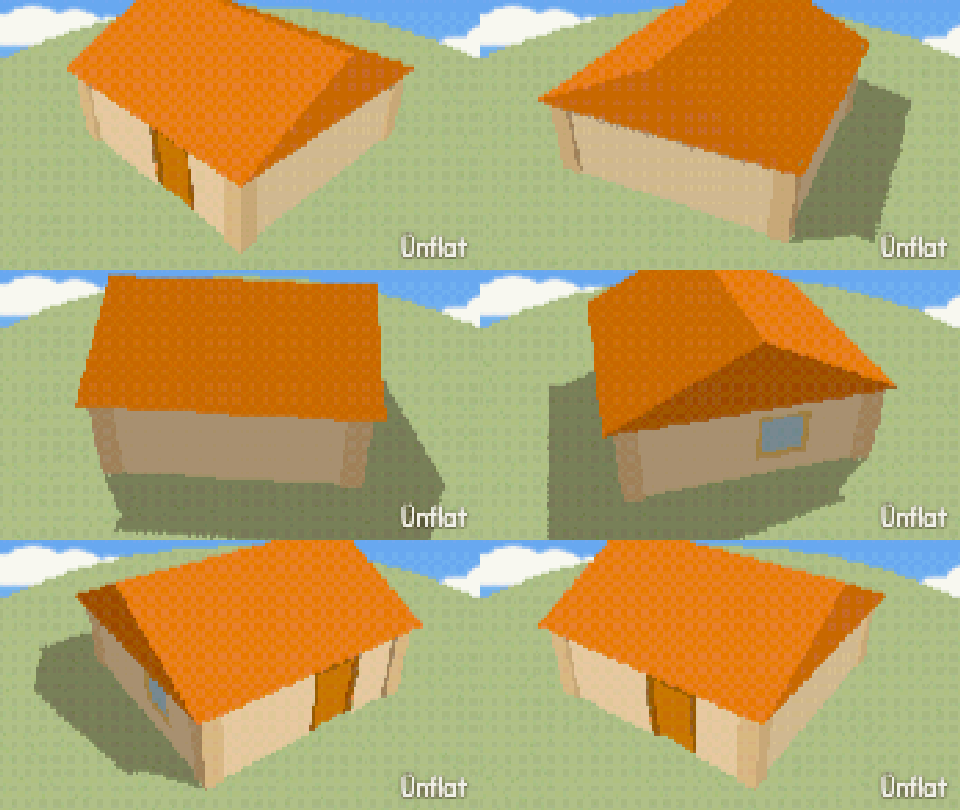 4 steps Raise a little cottage Drag a room onto the map, select a roof, and slide a door along a wall. Comfortable
 - 4 steps Roblox: wear it in a game Use your clothing in your own experience. Upload a decal, set it on a Shirt, play. Comfortable
-
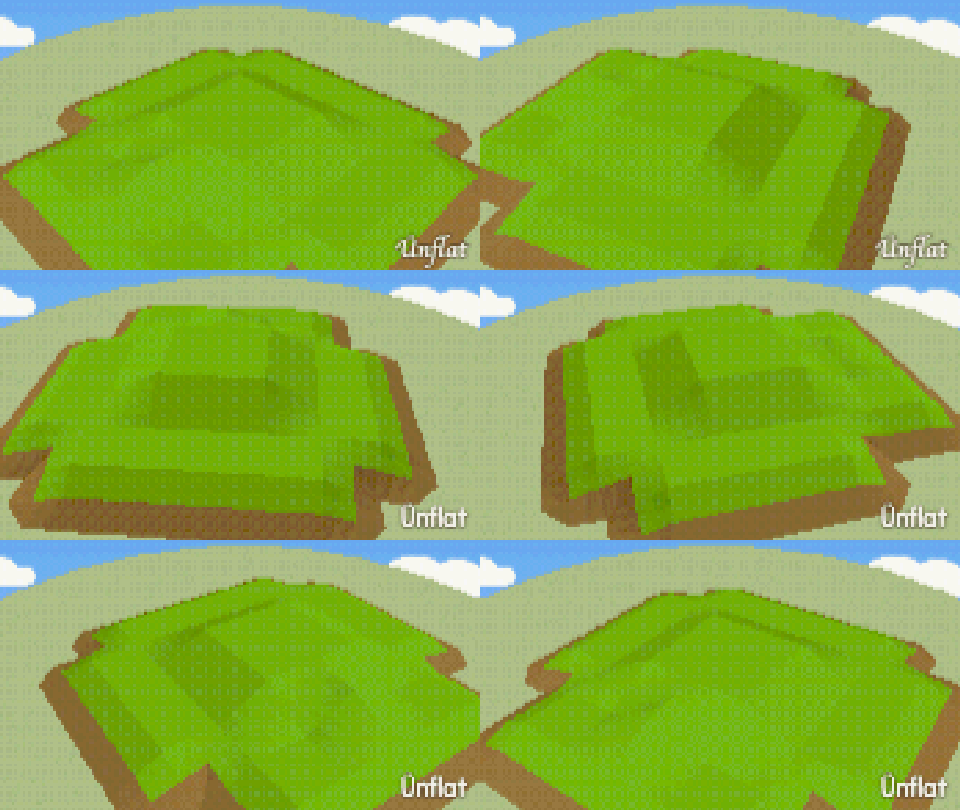 4 steps Make rolling hills Place a landform on the map, reshape it, and shuffle it until it looks right. First-time
 - 3 steps Movie night: video and GIF Share a finished strip as a video or a looping GIF. First-time
-
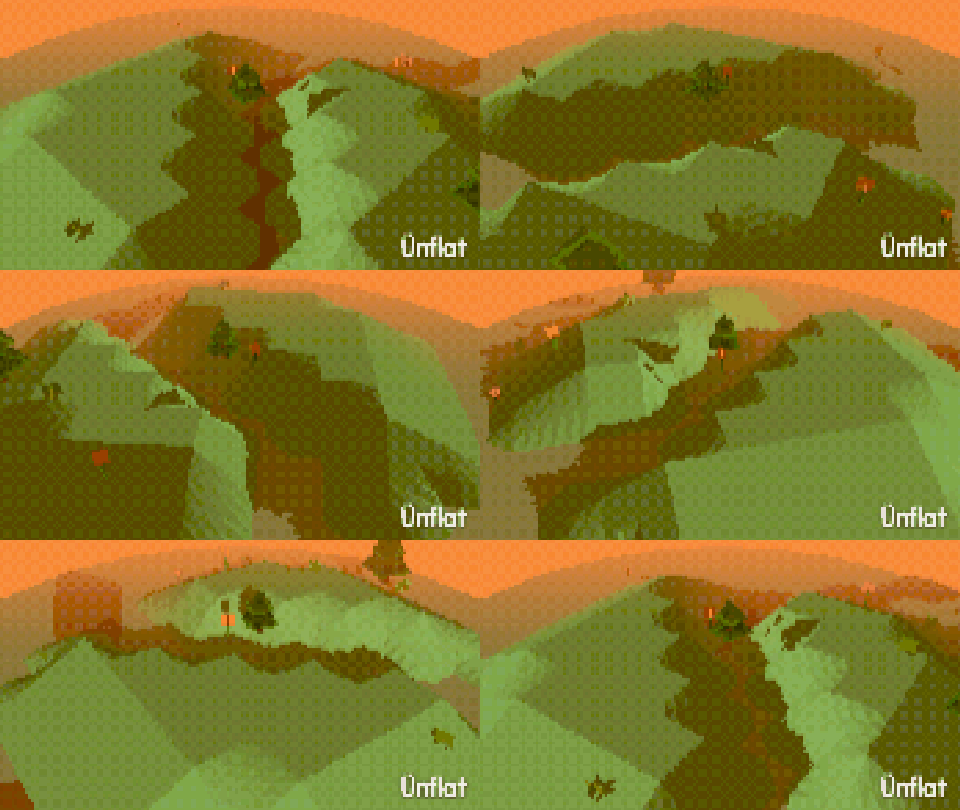 4 steps Draw a garden path Scatter trees and grass on the map with taps, then drag a path through them. First-time
 -
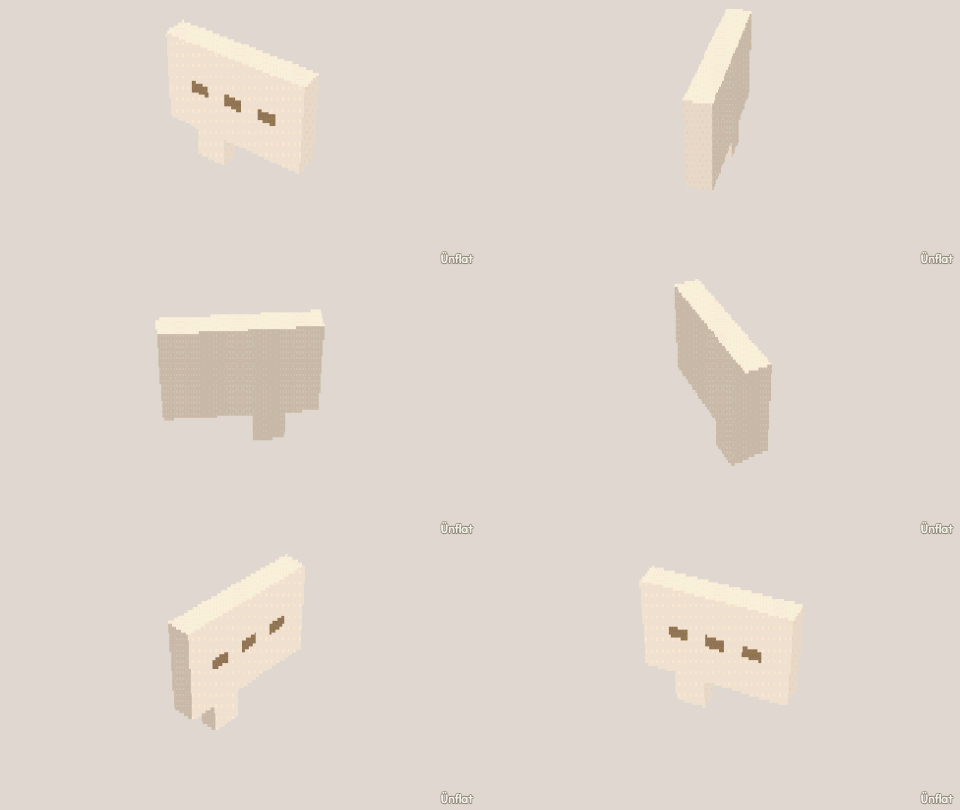 5 steps Give your clip sound and words Record noises per cut, talk over the film, bring your own music and tap its beat. Comfortable
 -
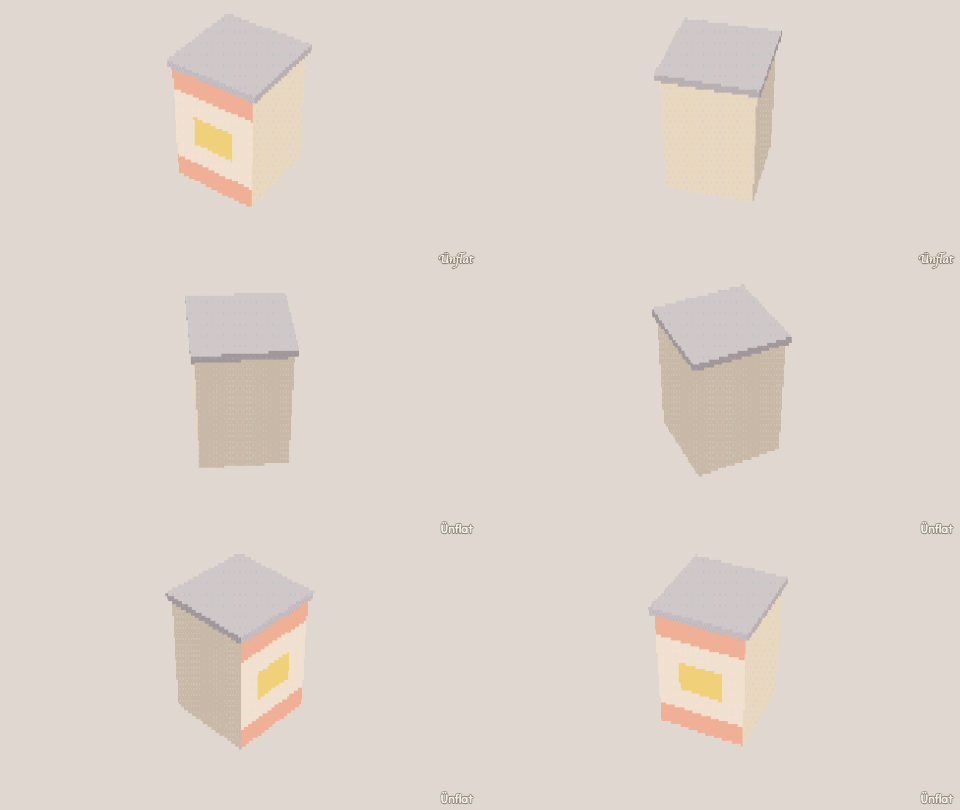 5 steps Rip a texture from a photo Photograph wood, brick, or fabric and make a pattern tile from it. Comfortable
 -
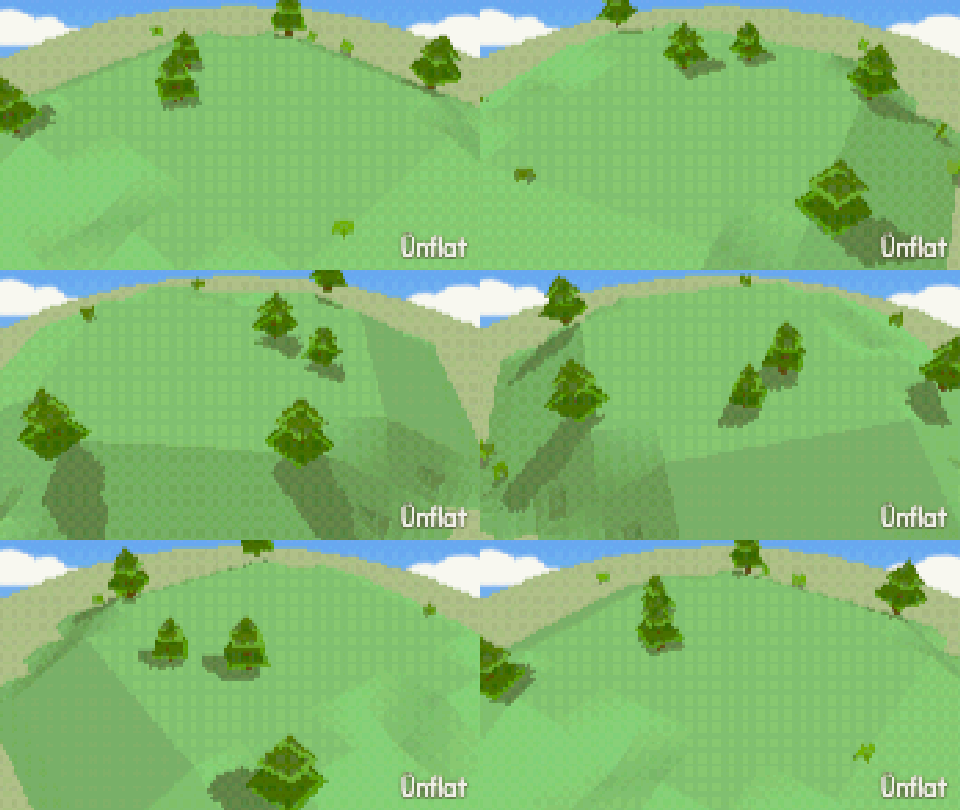 4 steps Make a windy day Put Rustle on the trees, adjust the group, and set the Frame rate. Comfortable
 - 4 steps Roblox: upload your accessory Put your hat in your Roblox inventory so your avatar can wear it anywhere. 80 Robux. Ambitious
-
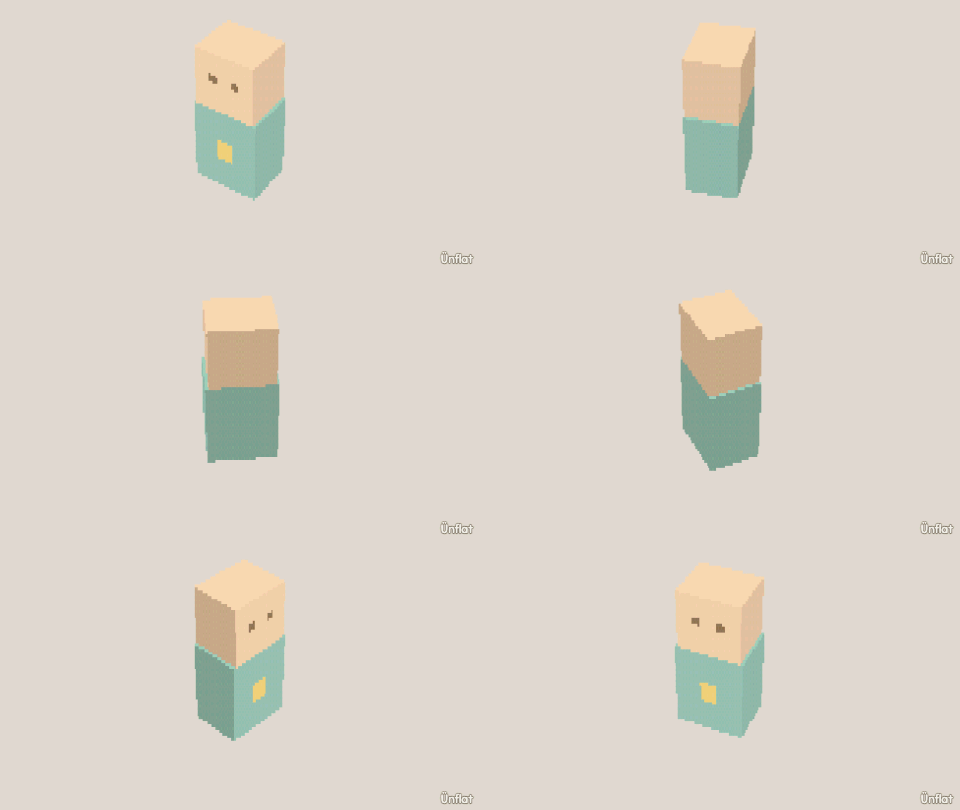 4 steps Body Shop Save an arm as a part, then drop it onto any fig. First-time
 - 5 steps Camera Moves Every cut keeps its own camera. Frame close, frame wide, stretch a hold, jump around. Comfortable
-
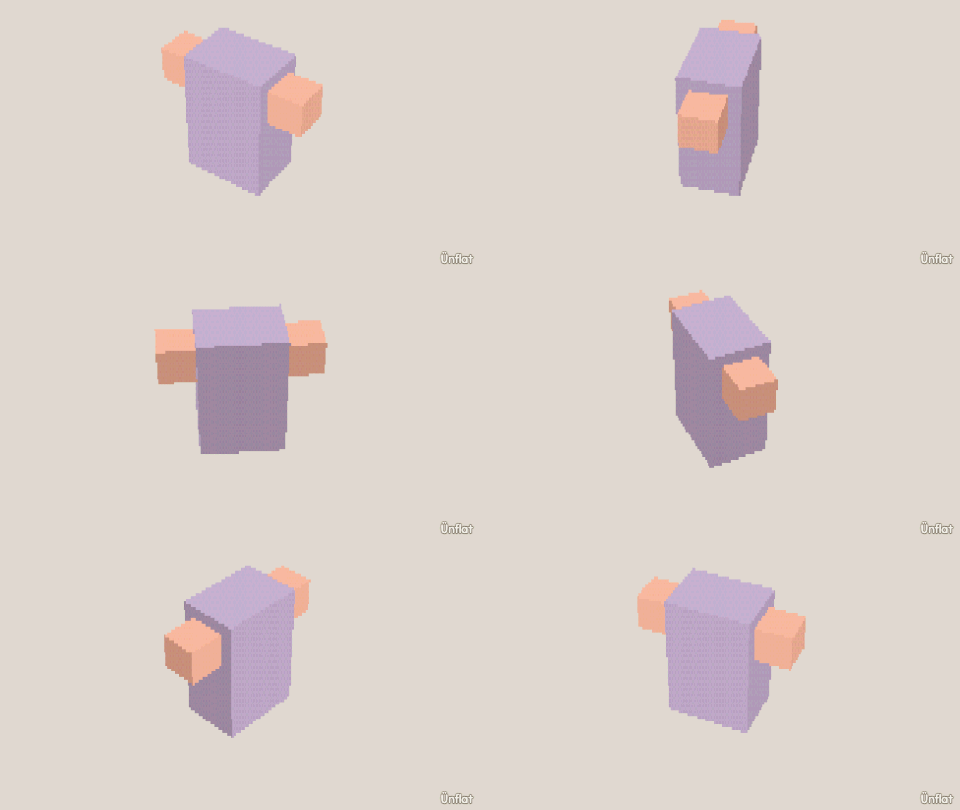 4 steps Mirror a copy Build one arm, name it, and press Mirror a copy to get its twin on the other side. First-time
 - 5 steps Movie Magic Use the Clip organizer to change the speed, mood, or outfit of every cut at once. Comfortable
- 4 steps Roblox: sell it on the Marketplace Publish your clothing on the Marketplace, with the costs listed first. Ambitious
-
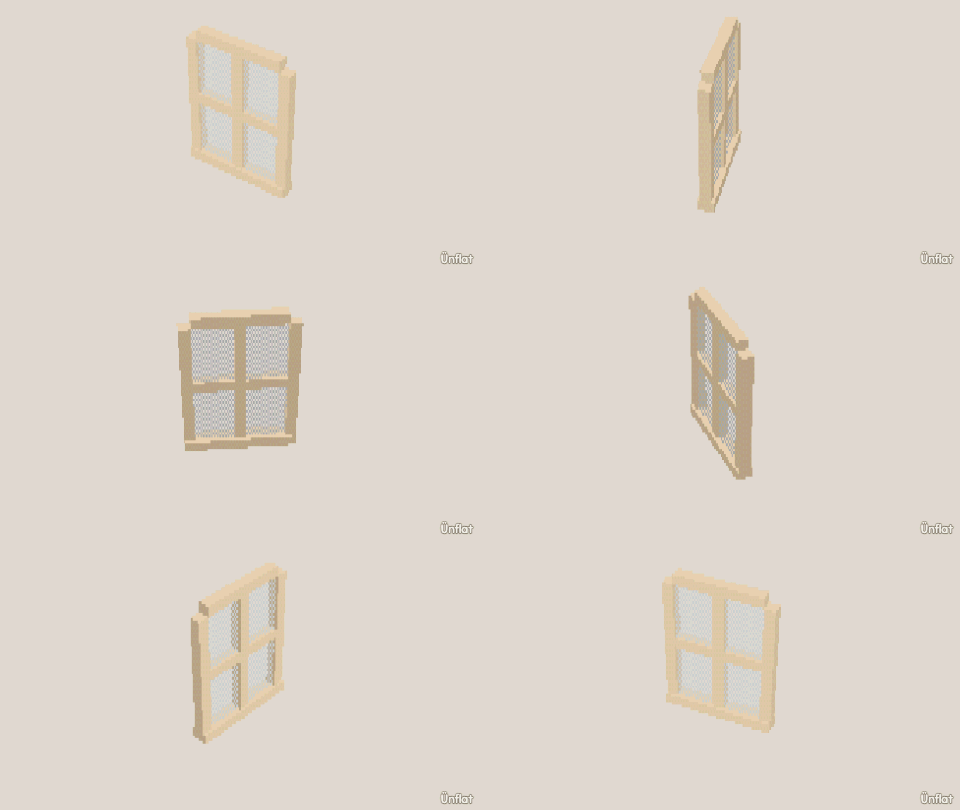 5 steps See-through painting Set the eraser to See-through and cut holes for leaves, fences, lace, and windows. First-time
 -
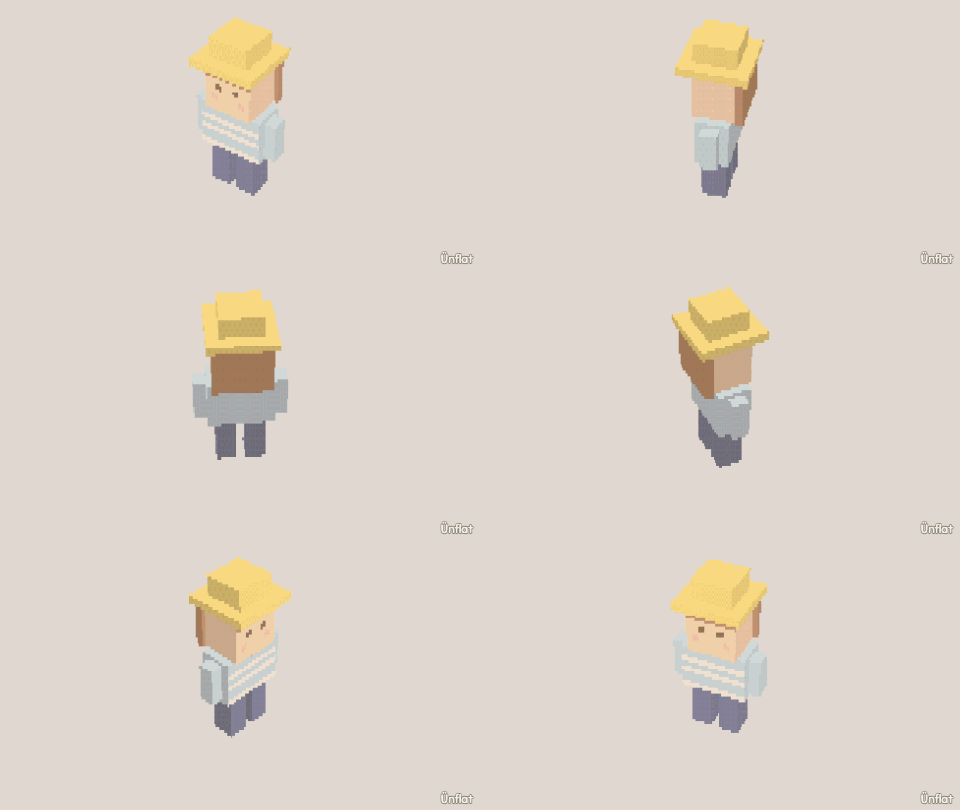 5 steps Strike a Pose Set what the fig is, name its parts, drag a pose, and save it by name. Comfortable
 - 5 steps Take a photo Frame a fig in the Camera tab, select a look, and capture a photo, loop, or video. First-time
-
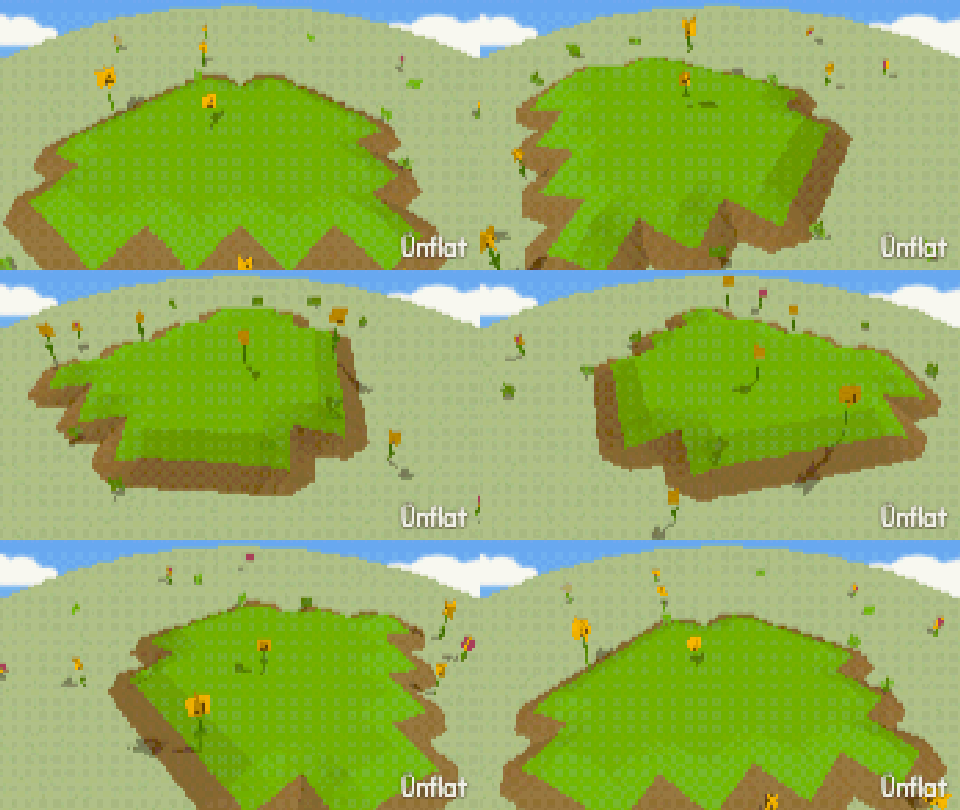 5 steps Wildflowers Arm a part, switch Drop to Scatter, and drag copies across a hill. Comfortable