Build a TV
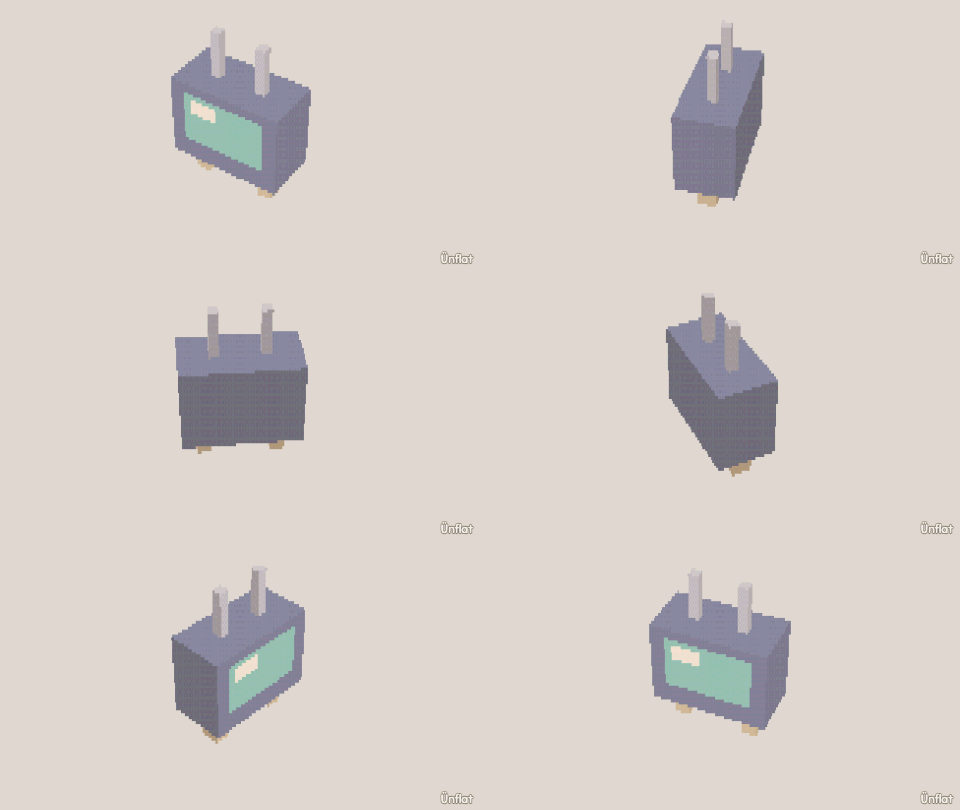
One press of Push in turns a box's front into a recessed screen.
Video coming soon. The written walkthrough below is the whole build.
Written walkthrough
Push in sinks the front faces of a box into a recess with walls. That recess is the screen.
1. Drop and size the set
Drop a Cube on open floor. In Add › Details, tap it, set Action to Size and Which to Wide, and press Wider on the Steps card until it is wider than it is tall.
2. Push the screen in
Switch to Build, tap the middle faces on the front, and press Push in once. The faces sink into a recessed panel, and the border around them becomes the bezel. (Press again to go deeper. Punch through would open the back.)
3. Color it and paint the screen
Fill the body dark and the screen a lighter color. Tap the screen, set Fill’s Effect dropdown to Light, and press Apply Light so it glows. Add one power dot. Open Paint on the screen and draw a picture (a sunset, static).
In Color › Skins, set Motion to Animated and paint a few pages . The pages play in Showtime .