Draw a garden path
Scatter trees and grass on the map with taps, then drag a path through them.
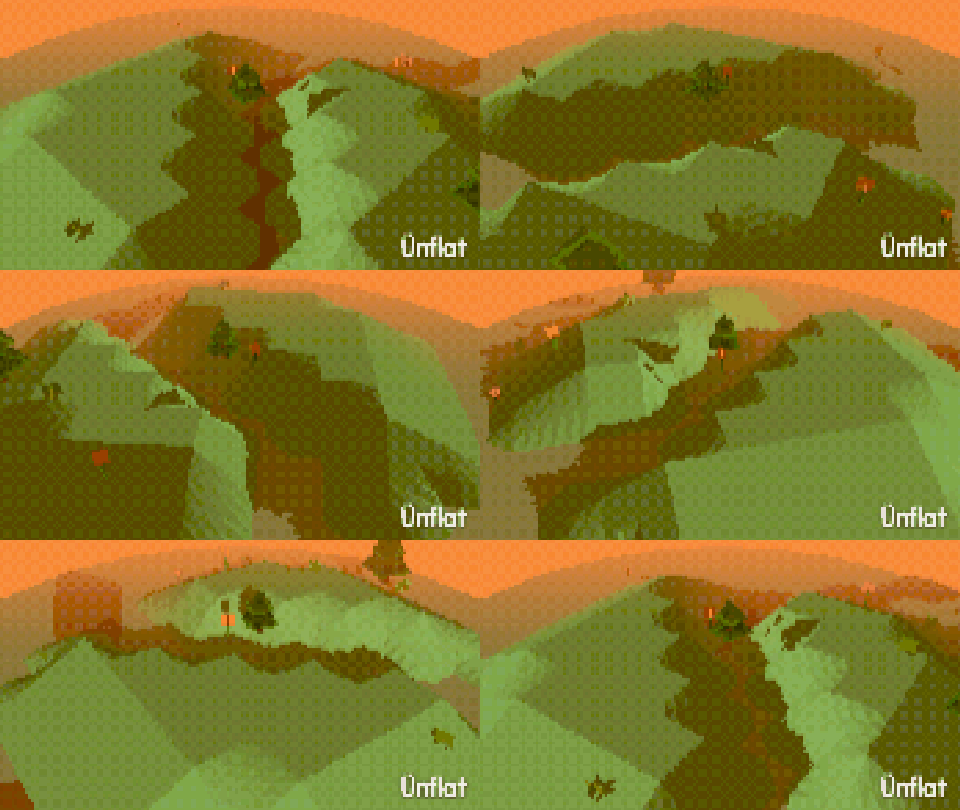
Video coming soon. The written walkthrough below is the whole build.
Written walkthrough
Plant trees and grass on the map, then draw a path through them. This is the Garden Path card in the Learn tab.
1. Open Scenery
Open World, then tap Scenery on the card. Its first row starts on Foliage.
2. Scatter some green
Enable Trees or Grass (Flowers, Rocks, Reeds, Sunflowers, Bamboo, Cactus, Dead trees, Mushrooms and Boulders work the same way), then tap the map. Each tap scatters a patch. Amount sets how much one tap plants: A few, Some, or Lots. Lay sets Scatter or Rows (Rows for an orchard).
3. Pick a mood
Mood colors what you plant: Fresh, Autumn, or Creepy. Switch it, then scatter more. One scene can hold more than one mood.
4. Draw the path
Switch the first row to Roads, tap Path, then drag on the map. Sidewalk, Street, Sand, and Stone draw the same way, and Yours ▸ makes a path from any ground or pattern. Stream draws water, with a current in the direction you dragged. While Stream is armed, Width sets Narrow or Wide, and Banks sets Flat or Sloped.
Where the path meets raised land, the On land switch decides: On top draws the path over the hill, Sunken sets it into the hill, Cut down cuts the hill down to the ground. Over hills sets how a road runs across hills: Off follows the land, Cut runs straight between the road’s two ends, and Grade climbs at most one level a square.
Add rocks alongside the path, a lamp at the bend, or a fig walking it.