Mirror a copy
Build one arm, name it, and press Mirror a copy to get its twin on the other side.
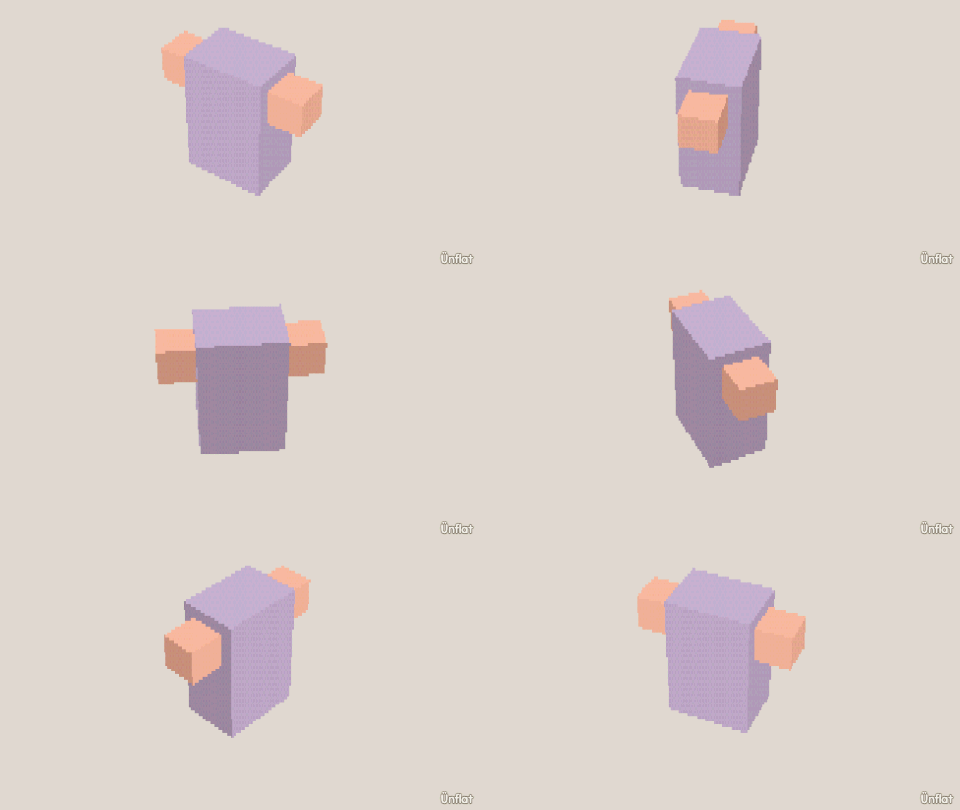
Video coming soon. The written walkthrough below is the whole build.
Written walkthrough
Build one arm, then press Mirror a copy to get its twin flipped across the middle of the world.
1. Sculpt one arm
Drop a small Cylinder beside the torso, clear of the world’s middle line. To give it a bend, pull a stub out of its side, near one end, in Build. Keep the arm its own piece: an arm pulled out of the body is part of the body, and Mirror a copy would copy the whole body. Build this arm the way you want both to look. It is the only one you build.
2. Name it
In Add, tap the arm. Its page opens under Details . Tap Rename and name it “left arm”.
3. Mirror a copy
On the same page, open More and press Mirror a copy. Leave Which way on Side and Across on World middle: a see-through preview shows the twin on the other side of the fig, including the bend. Press Make the mirrored copy. It is a reflection, not a plain copy, so a left arm becomes a right arm. The page switches to the new piece, named “left arm (mirror)”. Tap Rename and name it “right arm”.
4. Color the pair
Fill each arm to match the body, or give the pair matching sleeves. The two pieces stay separate, so each can animate on its own.
Mirror a copy makes a flipped twin of a finished piece, once. The Mirror toggle repeats your edits on both sides while you sculpt.