Wildflowers
Arm a part, switch Drop to Scatter, and drag copies across a hill.
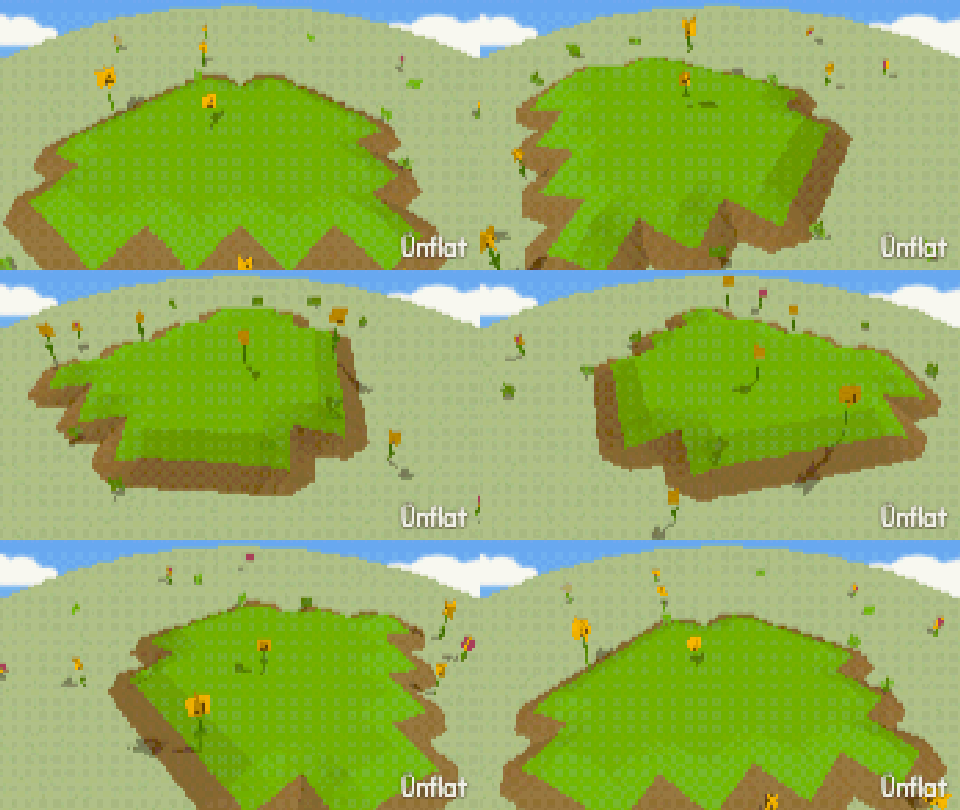
Video coming soon. The written walkthrough below is the whole build.
Written walkthrough
Scatter places copies of a part along a stroke, on the surface. This is the Wildflowers card in the Learn tab.
1. Drop the hill
Drop a big Sphere for the hill. Any fig works as the ground.
2. Arm a part
In the Add tab, tap Parts… and select something small (a star, a mushroom). Any fig works.
3. Switch to Scatter
The Drop · Scatter switch shows once a part is armed. Set it to Scatter.
4. Drag across the hill
Drag across the hill. Copies are placed along the stroke, on the surface. Dragging on empty space rotates the camera. One stroke becomes one part, and one Undo removes the whole stroke.
5. Increase the Wild setting
How many sets the count: Sparse, Medium, Dense. How wild adds spin, lean, and size changes: Neat, Natural, Wild. Select Dense and Wild, then drag again. If the part has two or more skins, Mix skins gives each copy a random one.
All the dials are on Scatter .