Build a robot
Boxes, cylinders, and a quarter turn, using Move, Size, and Turn.
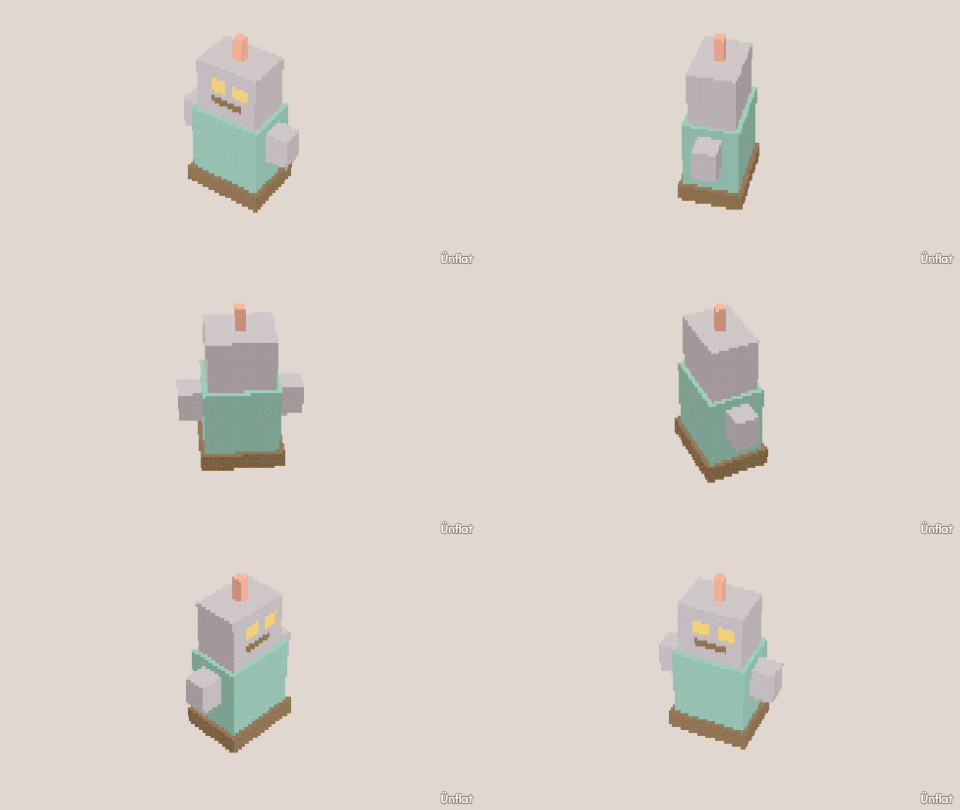
Video coming soon. The written walkthrough below is the whole build.
Written walkthrough
Make a robot from cubes and cylinders with Size, Move, and Turn on the Details page.
1. Add the body and head
Drop a Cube on open floor. In Add › Details, tap it, set Action to Size and Which to Tall, and press Taller on the Steps card until it is taller than it is wide. Tap Place, tap the body’s top so the preview appears on it, and drop a smaller Cube for the head.
2. Add the arms
Drop a thin Cylinder on the floor beside the body. Tap it and its page opens under Details. Set Action to Turn and Which to Front, select 90° on the Steps card, and press Turn right once so it points sideways. Set Action to Move and Which to Up, and press Up on the Steps card to shoulder height. Tap Place and repeat on the other side: drop, Turn, Move to match. Antennas work the same way on top of the head, without the turn.
3. Color it
Fill it gray with one glowing button, or any colors you want. Paint a pixel face on the head with Paint .
Keep the head and arms as separate pieces so that in Animate the head can turn and the arms can wave.