Build a mushroom
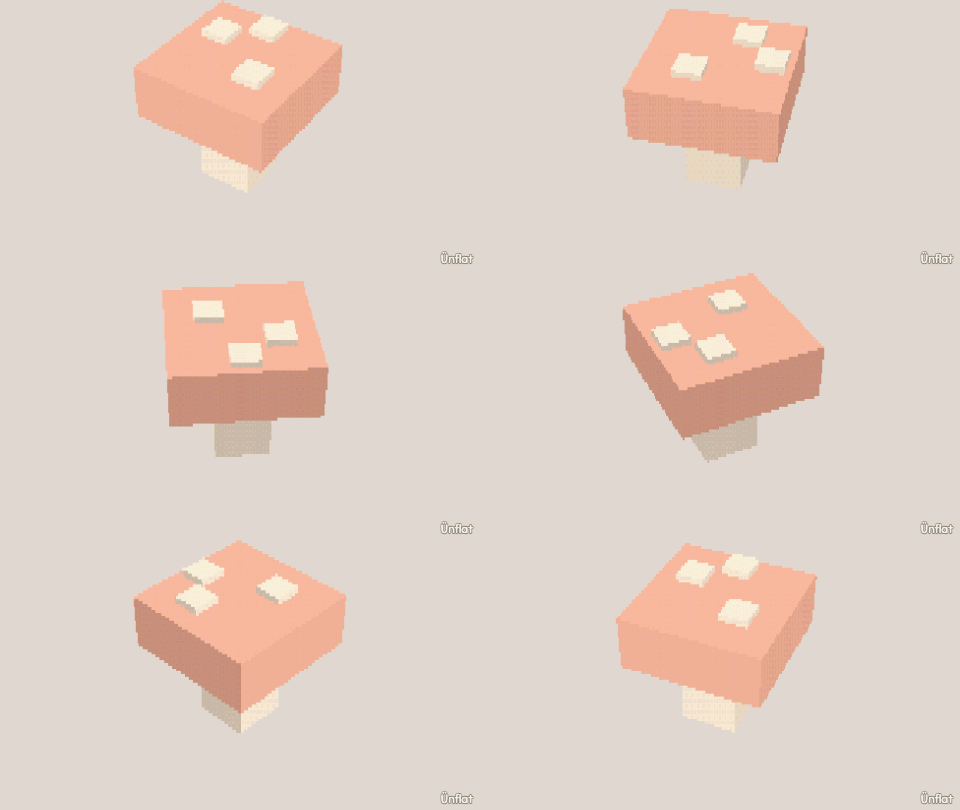
A stem, a cap, a brim shaped by rings, and white dots on top.
Video coming soon. The written walkthrough below is the whole build.
Written walkthrough
Make a mushroom from a cylinder and a sphere, shape the brim with a ring, then paint the cap.
1. Drop the stem and cap
Drop a short, thick Cylinder on open floor for the stem. Select the Sphere, tap the top of the stem so the preview appears on it, and Drop. Open Details and tap the cap’s row: its page opens. Set Action to Size and Which to Wide, and press Wider on the Steps card until the cap overhangs the stem.
2. Shape the brim
Switch to Adjust, tap Resize, and set Pick to Rings. Tap the lower part of the cap, and a ring lights up around the sphere. Press Wider on the Steps card to flare the brim outward. To flatten the underside toward the stem, tap Move, set Which way to Up, and press Down on the Steps card.
3. Red cap, white dots
Fill the cap red and the stem cream. Open Paint on the cap and dot it white. The dots follow the curve of the cap.
For a fairy ring, copy the finished mushroom with Duplicate from its record pages and arrange the copies in a scene .