Build a chair
The table build plus a back rest raised with Pull out › Draw a shape.
Video coming soon. The written walkthrough below is the whole build.
Written walkthrough
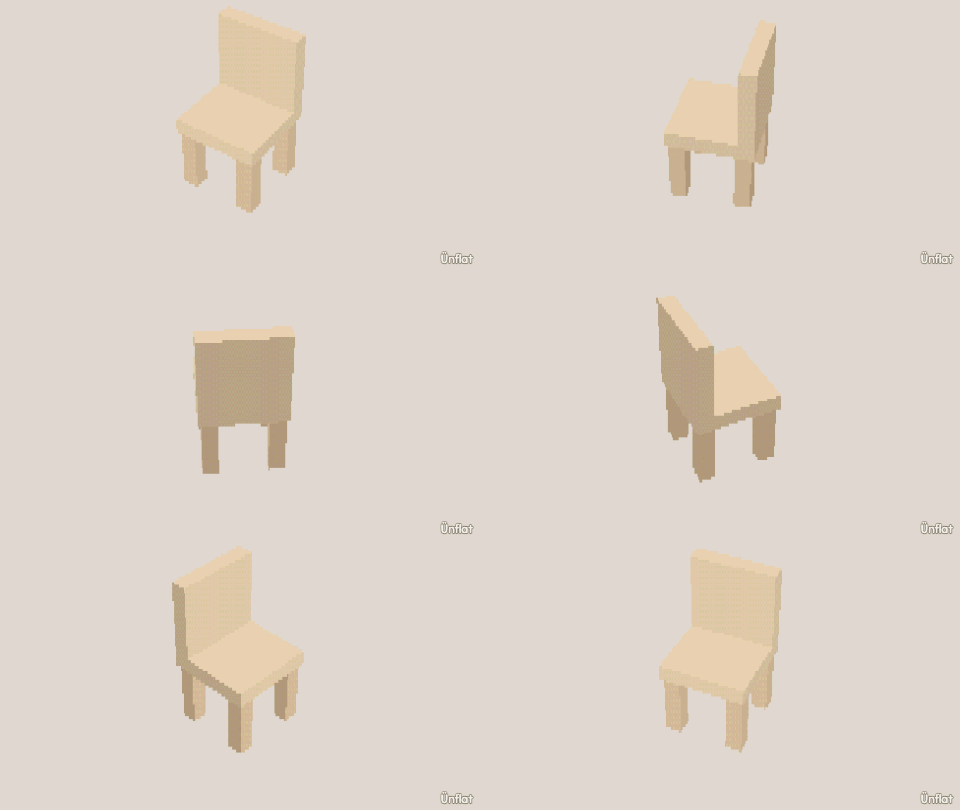
Build a chair the way you built the table , then pull a back rest out of the seat with Pull out › Draw a shape.
1. Drop the four legs
Drop four thin Cylinders, one near each corner. Line them up into a rectangle with Move (Add › Details arms it, the Steps card moves it).
2. Lay the seat across them
Tap Place and size a Cube wide and flat. Tap the top of any leg so the preview appears there, and Drop. It rests across all four legs.
3. Raise the back rest
Switch to Build and press Pull out › Draw a shape . Tap the seat’s top face and trace a strip along its back edge. A drawn outline may run along the face’s edge as long as it touches in one continuous stretch. Close the loop, set the Height tall, and press Pull it out. The back rises out of the seat.
4. Color it
Fill it wood brown, or diner red with a pattern on the seat.
For armrests, draw two short strips along the seat’s side edges and pull them a few steps tall.