Roblox: put a building in your game
Draw a building in a scene, send it to Roblox Studio at walking scale, walk in. Free.
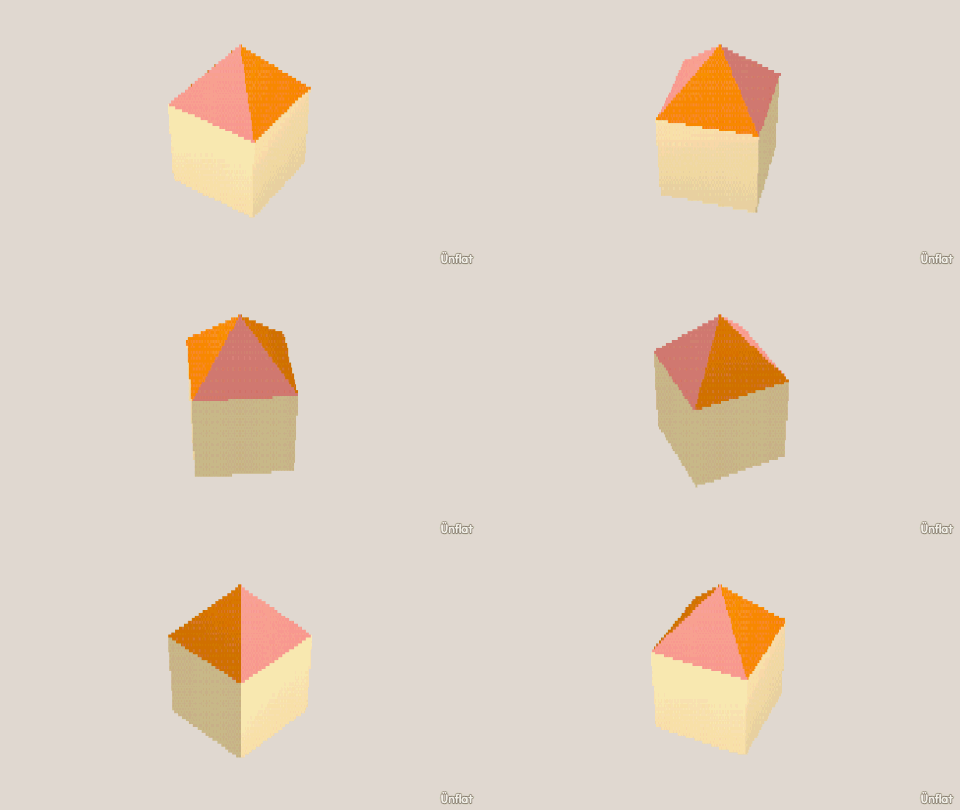
Video coming soon. The written walkthrough below is the whole build.
Written walkthrough
Put a building drawn in a scene into a Roblox game, at a size a Roblox character can walk into. You need a computer with Roblox Studio (free) and the Ünflat plugin installed. No Robux needed.
1. Draw the building
In a scene, open World, then Build. The card opens on its catalog. Tap the Room tile and drag a rectangle on the map: four walls and a floor are placed together. (The Wall tile draws one wall at a time for other shapes.) A Door or an Archway makes the doorway: Door is on the Doors row, Archway on the Rooms & walls row.
To color it and add a roof, set What to Building on the Select bar, then tap the building on the map. The card becomes the building’s page. Look holds the Outside, Inside, and Floors wells. Shape holds Roof and Add a floor. Any building drawn this way exports. Walls laid from tiles, like the Little house starter’s, do not.
2. Send it to Roblox
Open the Figs tab and switch its list to Scene. Under
BUILDINGS, tap the Building row. Its page has a ROBLOX
section. With the building selected on Build, Its Figs tab page ▸
opens the same page. Ground under it adds a patch of land under the
building. Tap Send it to Roblox. A scene with no name asks for one
first, and the scene takes that name. The file takes the scene’s name: a
scene called Cottage downloads as Cottage_building.lowpoly. Move it to
your computer.
Pattern-painted walls arrive in their main color; the export replaces each pattern with the closest solid.
3. Build it with the plugin
In Studio, open any place. Plugins tab, the Ünflat button, then Build a model… and select your .lowpoly file. The building appears in the workspace with its colors, anchored and solid.
4. Walk inside
Press Play. One storey is 12 studs tall and the doorway fits a Roblox character. A door’s frame is exported and its leaf is not, so the doorway is open and a character can walk in. From here, copy it, place copies along a street, or build around it like anything else in Studio.