Build a snowman
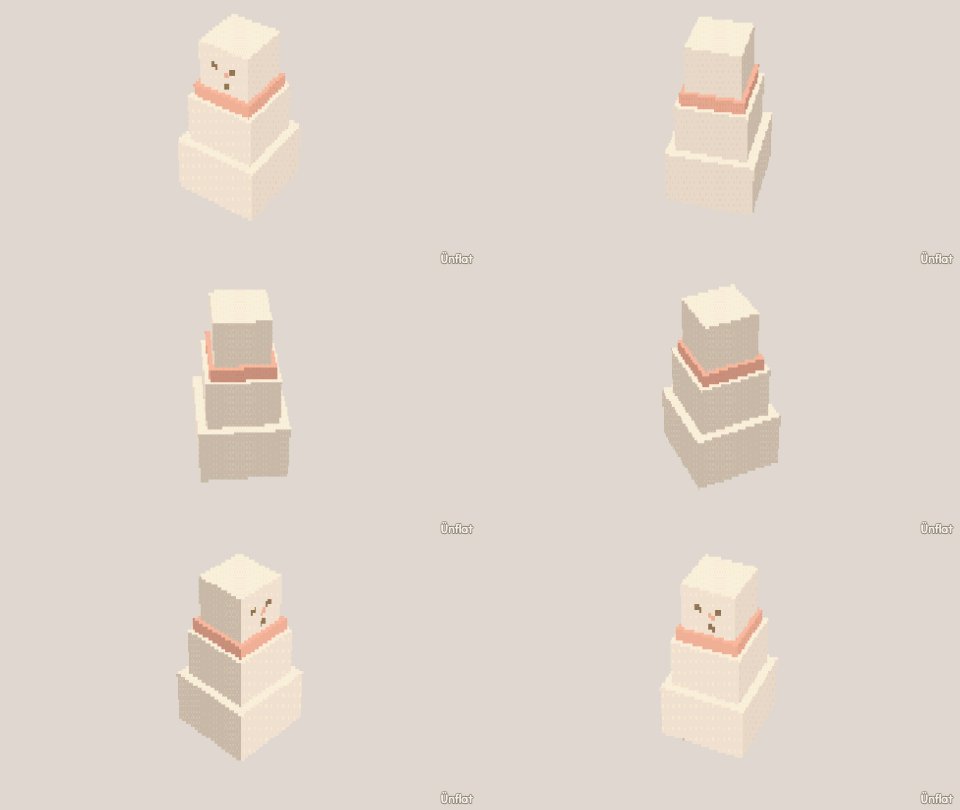
Stack three spheres, widen the base, and paint a face on the head.
Video coming soon. The written walkthrough below is the whole build.
Written walkthrough
Stack three spheres into a snowman. This is the Snowman card in the app’s Learn tab.
1. Drop the bottom ball
Open a new fig, select the Sphere, tap open floor, and press Drop .
2. Make it the biggest ball
In Add › Details, tap the ball, set Action to Size and Which to Wide, then press Wider on the Steps card. A couple of presses on Wide and Deep is enough.
3. Add the middle and the head
Tap Place and select the Sphere again. Tap the top of the big ball: the preview appears on top. Drop the middle ball. Do the same on its top with a smaller sphere for the head. Step the Sphere’s Size down in Add before you drop it.
4. Color it
In Color, tap All on the Select bar, tap a white swatch, then press Fill to fill it all. Open Paint on the head for the face: two eyes, a carrot nose, a smile.
The three pieces stay separate, so the head can animate later.