Build a cat
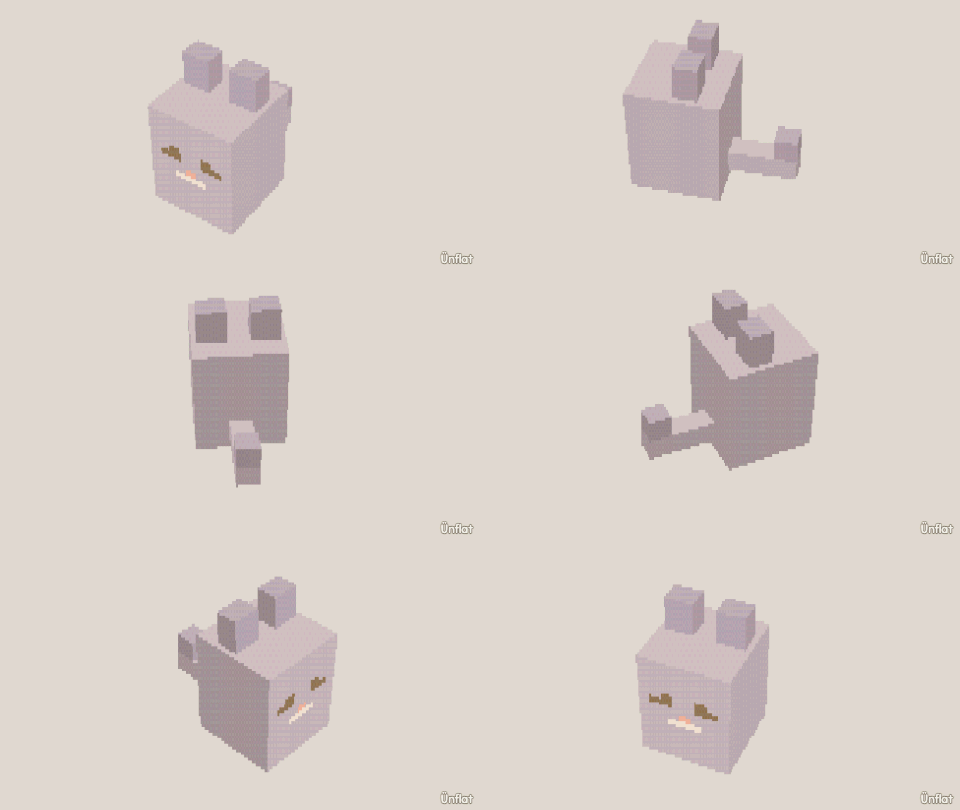
Mirror on, one sphere, ears and a tail pulled out.
Video coming soon. The written walkthrough below is the whole build.
The finished meshling
Have a look, or take the .glb: it drops straight into a game engine.
Written walkthrough
Build a cat from one sphere, with Mirror on so each edit applies to both sides.
1. Enable Mirror
Tap Mirror in the viewport. The chip reads left–right. Each edit on one side is repeated on the other .
2. Drop the body
Drop a Sphere on open floor. One sphere is both body and head. (Dropping is not mirrored.)
3. Pull out the ears
Switch to Build and tap a patch on top of the head, off to one side. Press Pull out : two ear stubs appear, one on each side. In Adjust, tap Pinch, tap an ear’s flat tip, and press Pinch . Both ears sharpen.
4. Pull out a tail
Tap a face on the back and press Pull out two or three times. The tail is on the mirror line, so it grows once, along the middle. The app tells you when an edit applies to one side only.
5. Fur and face
Fill the fur color. Open Paint on the front for eyes, a triangle nose, and whiskers.
6. Make it move
The tail was grown from the body, so it is part of the same piece. To move it, switch to Animate and open Preset moves. In the Idle loops block, choose the cat’s one part under On, or tap the cat. Then set Move to Sway . The fig rocks side to side, and the loop plays wherever the fig is placed. (For a tail that wags on its own, drop the tail as its own piece. On Rig, tap the tail’s line and set Attached to to the body.)