Build a cactus
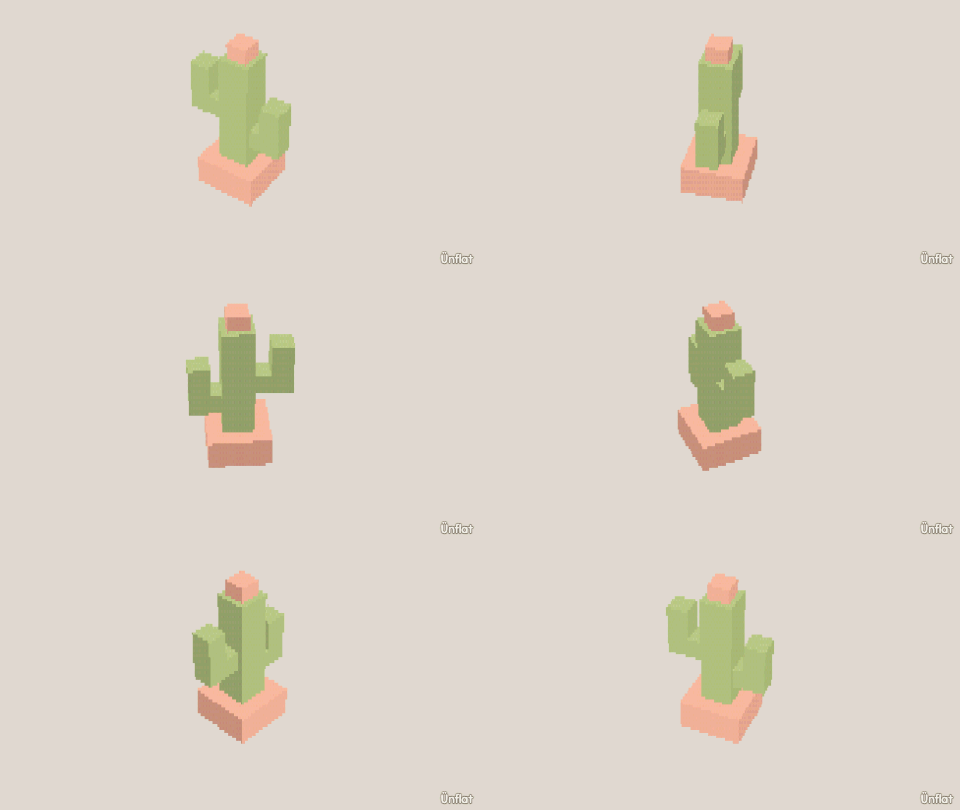
A potted cactus. Place with Overlap, widen a ring, pull out an arm that turns up.
Video coming soon. The written walkthrough below is the whole build.
Written walkthrough
Build a potted cactus with a flared rim, a bulge, and an arm.
1. Drop the pot
Drop a Cylinder, short and wide, on open floor.
2. Flare the pot lip
In Adjust, tap Resize and set Pick to Rings. Tap near the pot’s top to select a ring, then press Wider on the Steps card once.
3. Place the cactus
Back in Add, set the Sits row to Overlap and select a taller, thinner Cylinder. Tap the pot so the preview appears on it, and Drop. The cactus is set down into the pot.
4. Round the body
In Build, tap Cut , keep Slice and Across, tap the cactus halfway up to aim the line, and press Cut. The new ring stays selected. Switch to Adjust, tap Resize, and press Wider on the Steps card once. The body bulges at the ring.
5. Pull out an arm
In Build, tap a face on the cactus’s side and press Pull out , then tap the top face of the stub and Pull out again. The arm turns upward. With Mirror on, the other side grows a matching arm.
6. Color it
Fill the pot terracotta and the body green. Add one flower on top in Paint .