Build a table
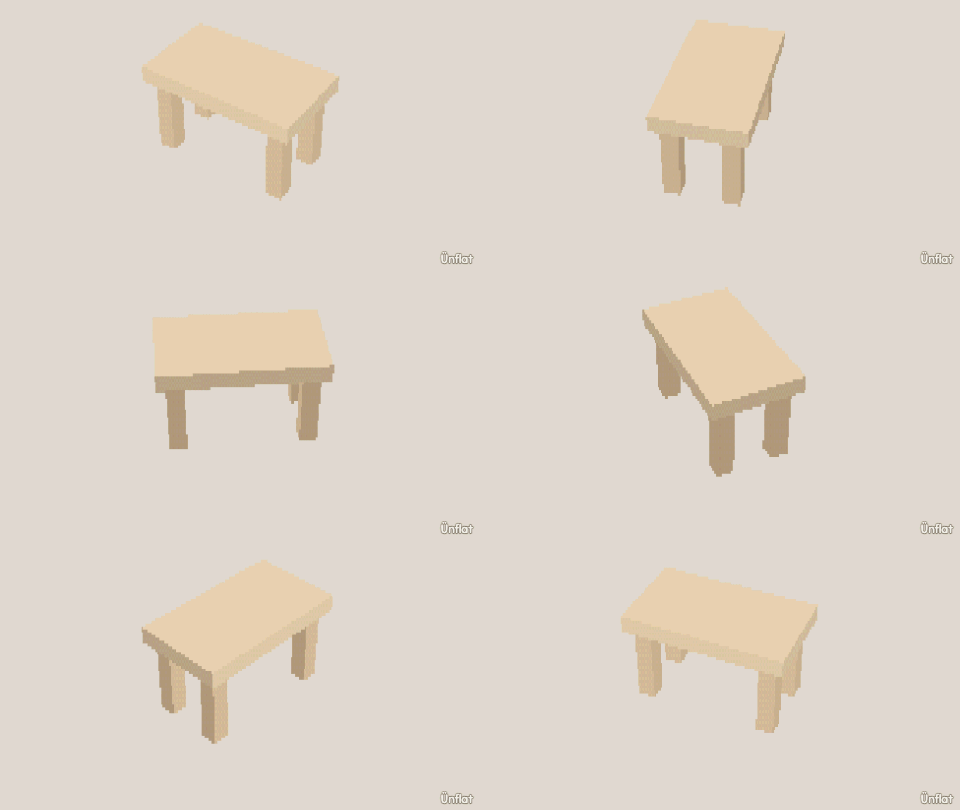
Drop four legs, then a top that rests on them.
Video coming soon. The written walkthrough below is the whole build.
Written walkthrough
Build the legs first, so the top rests on them.
1. Drop the four legs
Select the Cylinder and size it with the steppers (1 wide, 3 or 4 tall). Drop one on open floor, then three more in a rectangle. To line them up, use Move in Add › Details: set Which, then press a direction on the Steps card. The grid keeps them aligned.
2. Lay the top across them
Tap Place, select the Cube, and size it wider than the leg rectangle and one block thick. Tap the top of any leg: the preview appears there, and on Drop the top rests on the legs. A piece rests on whatever is under its footprint, so the slab lies flat across all four.
3. Color it
Fill it: tap the top and each leg, tap a swatch, then press Fill.
A piece dropped on open floor stays on the floor, with no room under it afterward. Chairs, beds, and bridges build the same way.