Build a bird
Two spheres, a pointed beak, mirrored wings, and a tail tilted up.
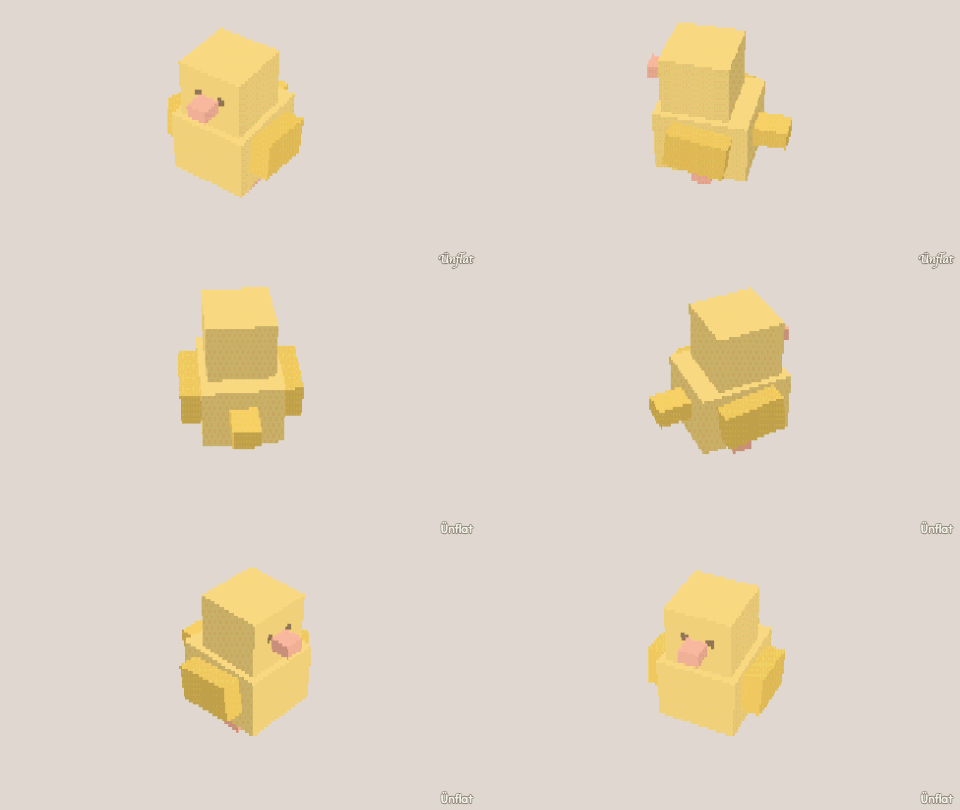
Video coming soon. The written walkthrough below is the whole build.
Written walkthrough
Build a bird from two spheres, a beak, mirrored wings, and a tail tilted up.
1. Enable Mirror
Enable Mirror and set it to left–right.
2. Drop the body and head
Drop a Sphere for the body. For the head, step the Sphere’s Size down, tap the top of the body toward the front so the preview appears there, and Drop. Keep the head high and forward.
3. Beak: grow it, point it
In Build, tap the front of the head and press Pull out once. In Adjust, tap Pinch, tap the end of the stub, and press Pinch .
4. Wings out
In Build, tap a patch on the body’s side and press Pull out. Mirror grows both wings. To sweep the wings back, switch to Adjust, tap Tilt , tap a wing’s ring, and press one of the two Tilt buttons on the Steps card. Mirror tilts the other wing.
5. Tail up
Tap a face on the body’s back and press Pull out twice. In Adjust, tap Tilt, tap the tail’s ring, and press Tilt left or Tilt right on the Steps card until the tail points up. Keep the step on Small.
6. Feathers and eyes
In Color, tap the body’s faces, tap a swatch, then press Fill ( Fill ). Use a second color on the wing tips and orange on the beak. Then Paint two dot eyes.
In Animate, open Preset moves. In the Idle loops block, choose the body under On, or tap it on the fig. Then set Move to Sway . The bird rocks, and the loop plays wherever the fig is placed.